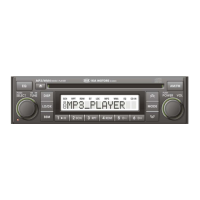
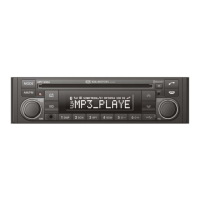
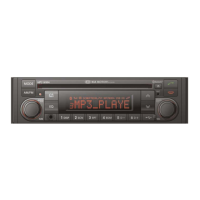
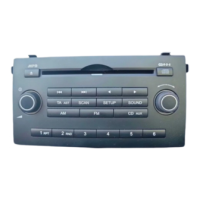
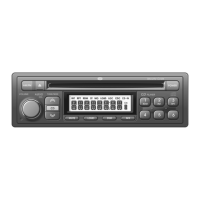
GENERAL
② SOUND SETTING SELECTION
BASS → MIDDLE → TREBLE → BAL L=R → FADER F=R → BEEP 2ND → LOUD ON
On each setting, the level can be controlled by turning button ②. The display will automatically return to the previous
mode 5 seconds after the last adjustment is made.
② BASS CONTROL (1
ST
setting)
To adjust the bass tone level, first select the bass mode by pressing button ② until “BASS” appears on the display panel.
Within 5 seconds of selecting the BASS mode, turn button ② right or left to adjust the bass level as desired. The bass
level will be shown on the display panel from a minimum of “BASS –10” to a maximum of “BASS+10”. The display will
automatically return to the normal indication in 5 seconds after the last adjustment, or when another function is activated.
To adjust the mid tone level, first select the middle mode by pressing button ② until “MIDDLE” appears on the display
panel.
Within 5 seconds of selecting the middle mode, turn button ② right or left to adjust the mid level as desired. The mid
level will be shown on the display panel from a minimum of “MIDDLE -10” to a maximum of “MIDDLE +10”. The display
will automatically return to the normal indication in 5 seconds after the last adjustment or, when another function is
activated.
To adjust the treble tone level, first select the treble mode by pressing button ② until “TREBLE” appears on the display
panel. Within 5 seconds of selecting the treble mode, turn button ② right or left to adjust the treble level as desired.
The treble level will be shown on the display panel from a minimum of “TREBLE -10” to a maximum of “TREBLE +10”.
The display will automatically return to the normal indication in 5 seconds after the last adjustment, or when another
function is activated.
5


 To Next Page
 Loading...