EasyManua.ls Logo

Kia K100SP - General

Kia K100SP
24 pages
Print Icon
To Next Page IconTo Next Page
To Previous Page IconTo Previous Page
Loading...
GENERAL
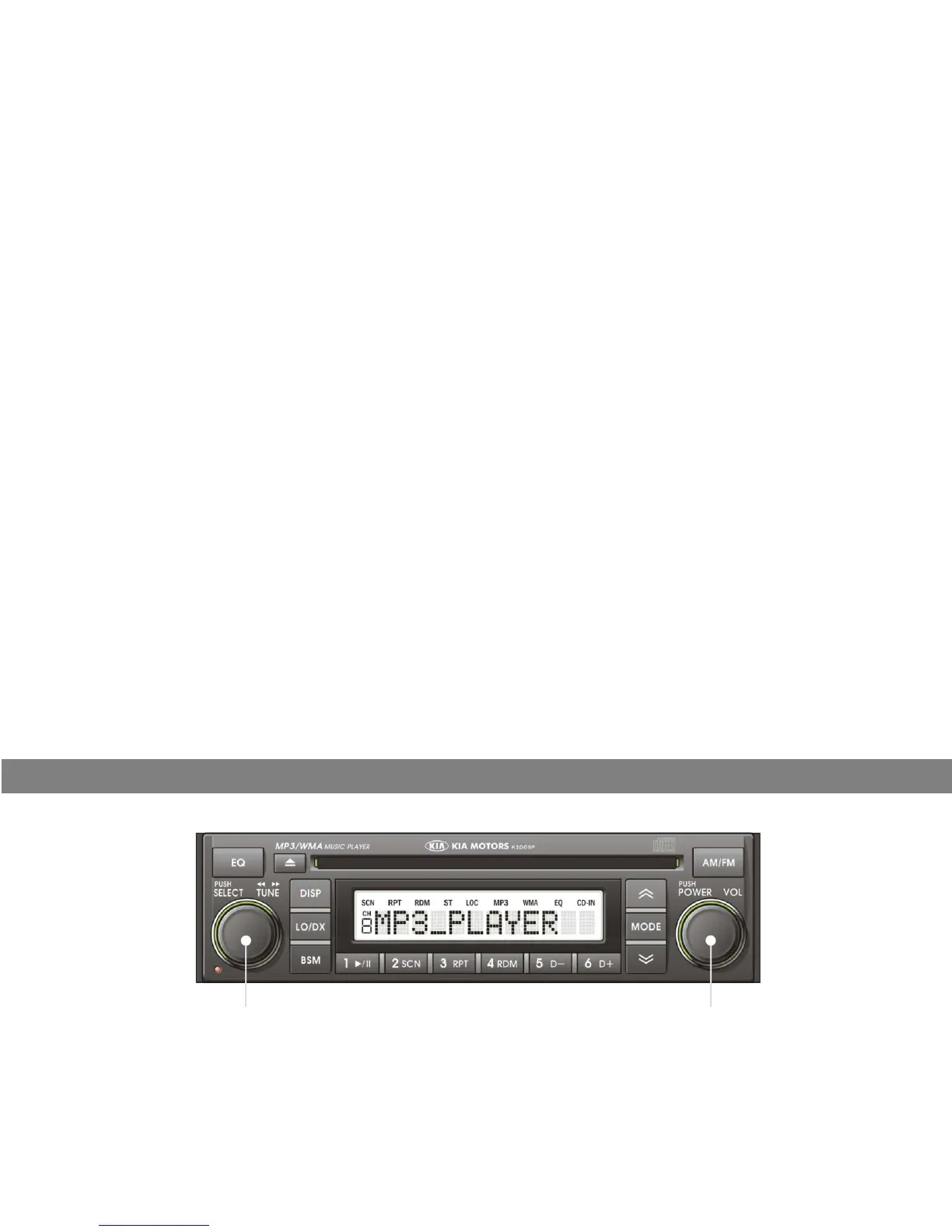
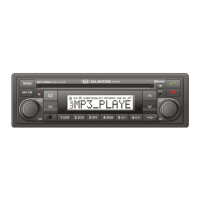
POWER ON/OFF BUTTON
Press button momentarily to turn the set on or off. When the set is next switched on, the previous mode and disc
play position will be restored
play
position
will
be
restored
.
VOLUME UP/DOWN CONTROL
Turn button right to increase the volume level. The level will be shown as “VOLUME xx” on the display panel.
Turn button left to decrease the volume level. After 5 seconds the display will return to the previous mode.
START-UP VOLUME LEVEL SET UP
Start-up volume is the volume level the set will play at when next turned on. To adjust the start-up volume, press and
hld
btt
l
th
3
d
Th
t
tt
l
ll
i
di l d
fl hi
b
th
h
o
ld
b
u
tt
on
l
onge
r
th
an
3
secon
d
s.
Th
e curren
t
s
t
ar
t
-up vo
l
ume
l
eve
l
i
s
di
sp
l
aye
d
as a
fl
as
hi
ng num
b
e
r
on
th
e
display panel.
Turn button left or right to increase or decrease the volume, then press button again to set that volume level as
the start-up volume level.
4

Related product manuals