(Button located below
Gear Shift)
R
N
D
OFF
OFF
P
AUTO-HOLD*
ACCESSORY MODE WITH SMART KEY
SMART POWER LIFTGATE* OPERATION
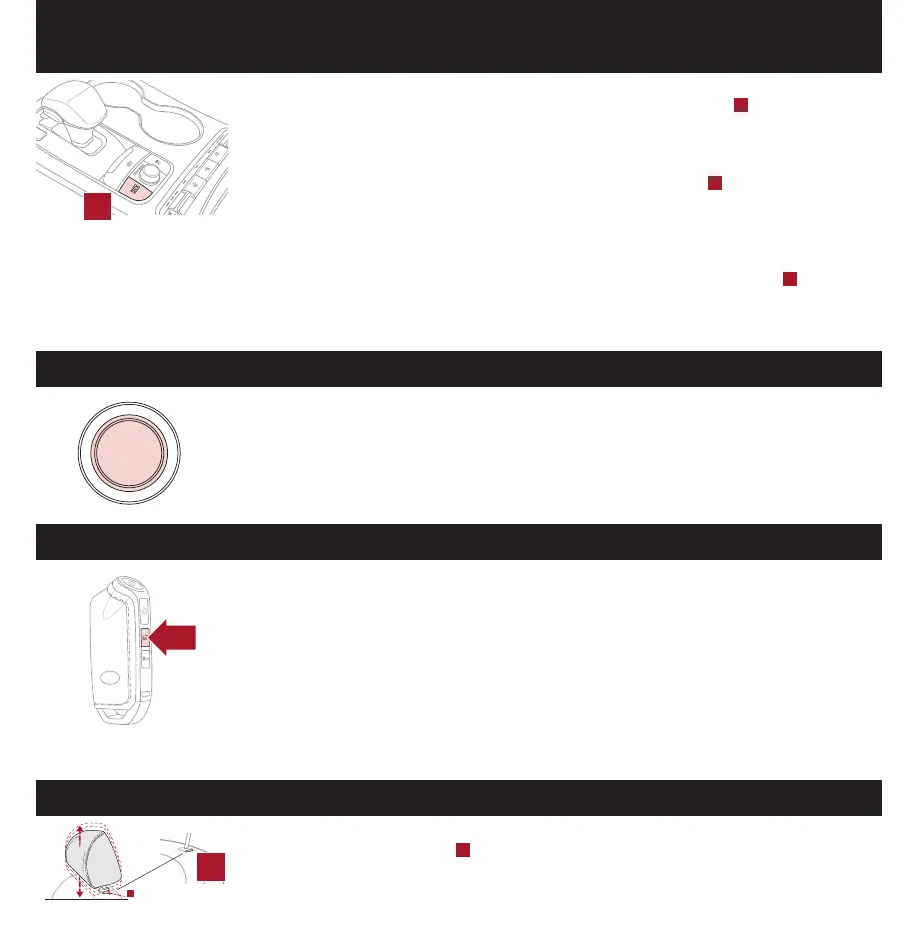
Auto-Hold temporarily maintains the vehicle at a standstill even if the brake pedal is
released. Auto-Hold can be turned ON/OFF using the AUTO HOLD switch
A
located below the
Gear Shift. Before Auto-Hold will operate, the driver’s door, engine hood and trunk must be
closed, and the driver’s seat belt must be fastened.
The Auto-Hold indicator has four states:
White: Standby - With vehicle at a standstill, and AUTO HOLD switch
A
turned ON, the
indicator will illuminate white. While driving the vehicle (vehicle is not at a standstill), the
Auto-Hold indicator will remain white.
Green: Engaged - When coming to a complete stop by depressing the brake pedal, the
Auto-Hold indicator changes from white to green.
OFF (not illuminated) - The indicator will turn OFF when the AUTO HOLD switch
A
is
manually turned OFF or when the EPB is manually turned ON.
Yellow: Malfunction - When the indicator is illuminated yellow, there may be a system
malfunction. Take your vehicle to a local Kia dealer.
With standard key vehicles, you can turn the key to the accessory mode and utilize the
electronic accessories without starting the vehicle. This is still possible with Smart Key
equipped vehicles. To do this, enter the vehicle with the Smart Key and push the ENGINE
START/STOP button one time without depressing the brake pedal. This will put the vehicle
in Accessory mode and ACC will illuminate in yellow.
If the ENGINE START/STOP button is in the ACC position for more than 1 hour, the button
is turned off automatically to help prevent battery discharge.
To open the Smart Power Liftgate*, press and hold the Smart Key Liftgate button until
the Liftgate begins opening. To close, push the power liftgate close button located inside
the liftgate lid, press and hold the Smart Key Liftgate button again, or push the button on
the dash panel, to the left of the steering wheel.
When the Smart Key fob is on your person and you are near the back of the vehicle,
within close proximity, the hazard lights will blink and a chime will sound for about 3
seconds as an alert that the Smart Power Liftgate* is about to open.
Then the alert system will blink and chime two additional times before opening the
Smart Power Liftgate*.
The Smart Power Liftgate* feature is OFF by default. To enable the Smart Power
Liftgate*, go to User Settings in the LCD Instrument Cluster modes.
To raise headrest: Pull headrest up.
To lower headrest: Press lock
A
, then press the headrest down.
ENGINE
START
STOP
FRONT SEAT HEADREST ADJUSTMENT
A
A
A


 To Next Page