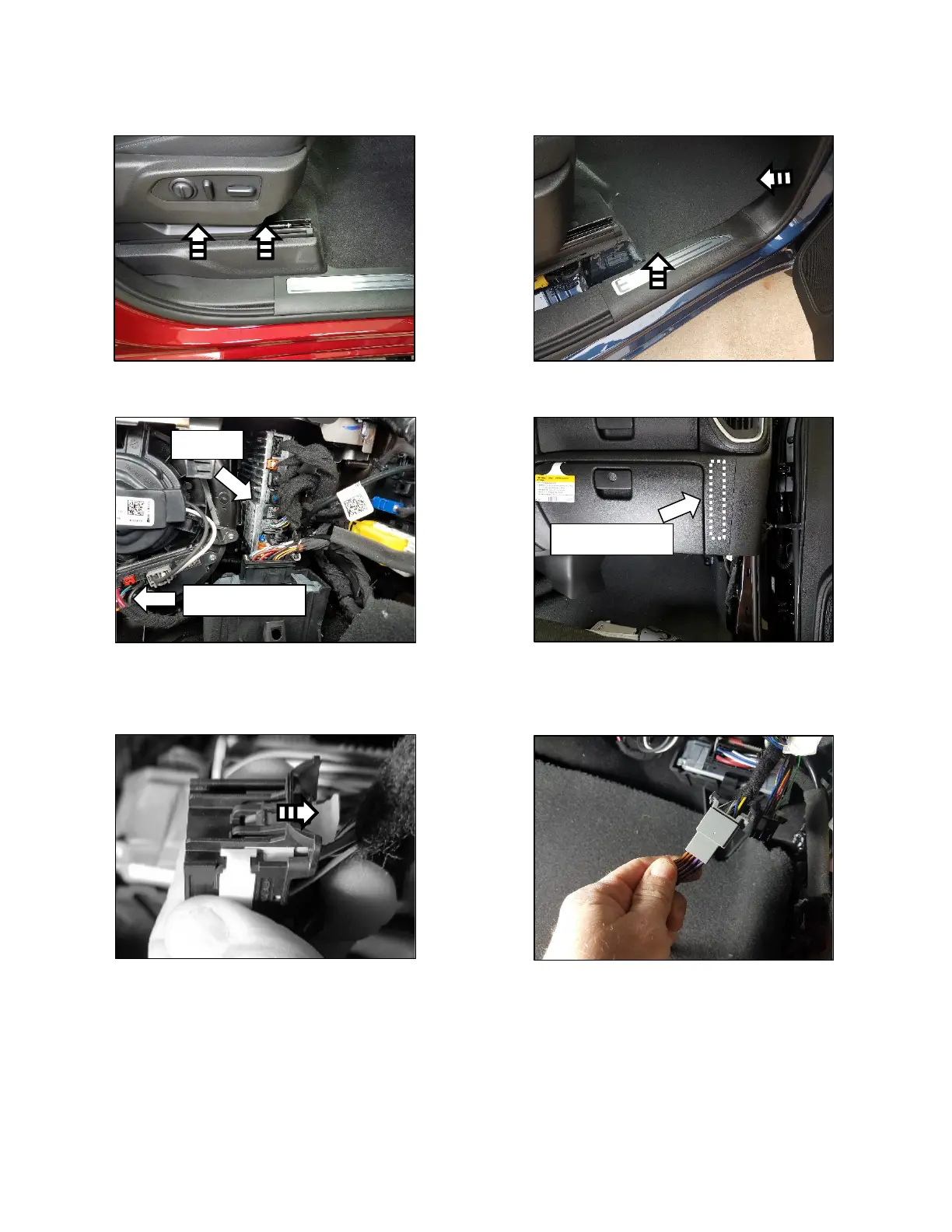
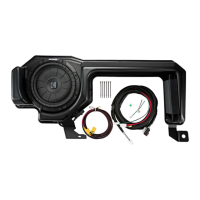
8. If equipped with power seats, adjust the passenger seat as high as possible. Remove the panel
next to the seat. Fig. 6
9. Remove the front kick/sill trim panel as well as the rear sill panel. Fig. 7
10. Find the Audio Control Module (ACM) located above the right kickpanel area. Fig. 8 & 9
11. Disconnect the 28-pin gray connecter and connect it to the amplifier harness. To disconnect,
slide the white locking retainer out of the connector until it stops in order to press the connector
release tab. (Generic connector shown already disconnected from ACM for clarity). Fig. 10 & 11


 To Next Page