6
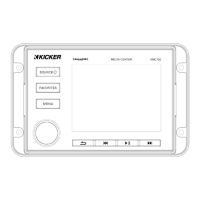
SOURCE
FAVORITES
MENU
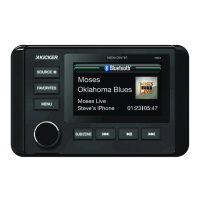
SUB/ZONE
•power on/off (long press)
•change input source (short press)
If the battery voltage is low (<+10.5V), an on-screen warning will appear.
Recharge battery and avoid becoming stuck or marooned.
•change volume/value
•confi rm/select (press)
•enter audio menu (short press)
•enter main menu (long press)
•save/select favorite presets
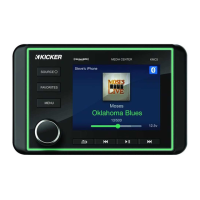
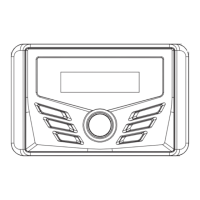
•digital display
•previous track/rewind
•change tuner
•sub level (press)
•zone 2 level (hold)
•next track/fast forward
•change tuner
•play/pause
•mute
NOTE: Use short and long presses to operate.
Some input sources do not support all functions.
OVERVIEW


 To Next Page