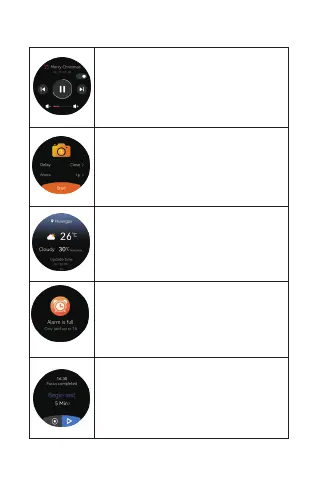
Music: After connecting to the
mobile phone,you can click “play
/pause/previous/next song” on
the smart watch to control the
music from mobile phone, and
the volume can be adjusted.
Camera Control: Open the App after
connecting to the mobile phone, the
watch can remotely control the mobile
phone to take pictures, and set the delay
time and the number of continuous shots.
Weather: After connecting the
mobile phone, open and set the
weather function in the App, the
watch can display the weather
information in recent days.
Alarm: 10 alarm reminders can be set.
Tomato clock: You can set your own
time to sart with "focus on work" , and
end by taking a "rest" .


 To Next Page