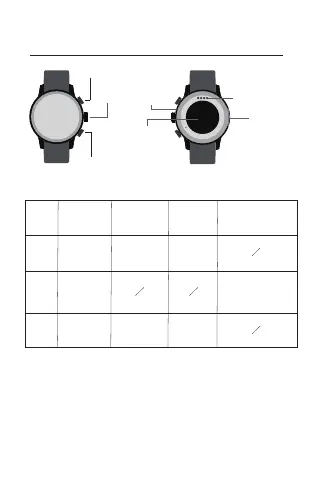
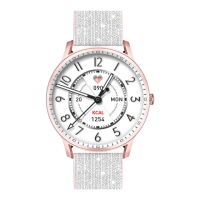
Down
button
SOS
Custom
(Default Sport
Mode)
Voice assistant
1.Charging no less than 2 hours before using. Please use the
correct charging adapters which are 5V 0.5A above.
2. If the watch cannot be turned on after being placed for a long
time, you need to wipe the charging contacts of the charging
cable clean when using it again to avoid sweat or water residue.
Tips:
Upper button
Down button
Microphone
Heart rate
sensing area
Charging port
01 Appearance and charge
Button functions
Item Once-press Double-press Long-press Rotate
Upper
button
Middle
button
Light screen/
Lock screen/
Home
Power on/
Power off
Speaker
Middle
button
Menu/ Back
Page flipping/
Volume adjustment/
Screen Brightness
Adjustment
Custom
(Default Activity
Log)


 To Next Page