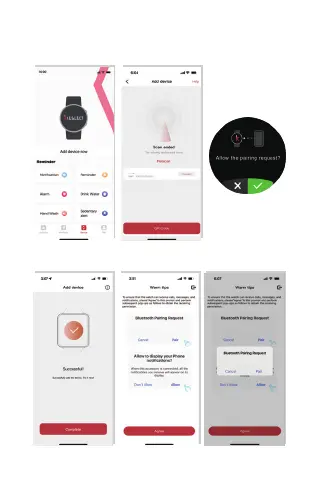
03.3 Open App, Click “ Add device now ” -Click “ Kr2 Pro ”
to connect - then Click “ √ ” on the watch.
03.4 Click “ Agree ” to connect with Audio Bluetooth.
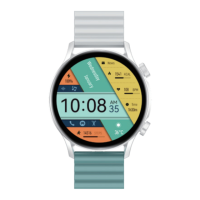
Kr2 Pro
“Kr2 Pro” would like to pair with your iPhone.
“Kr2 Pro” would like to pair with your iPhone.
“Kr2 Pro” would like to pair with
your iPhone.


 To Next Page