16
Introduction
Daily use
KIMAX2
Menu
Configuration
Calibration
Protecting
calibration
Electrical
installation
Sensor
installation
Additional
information
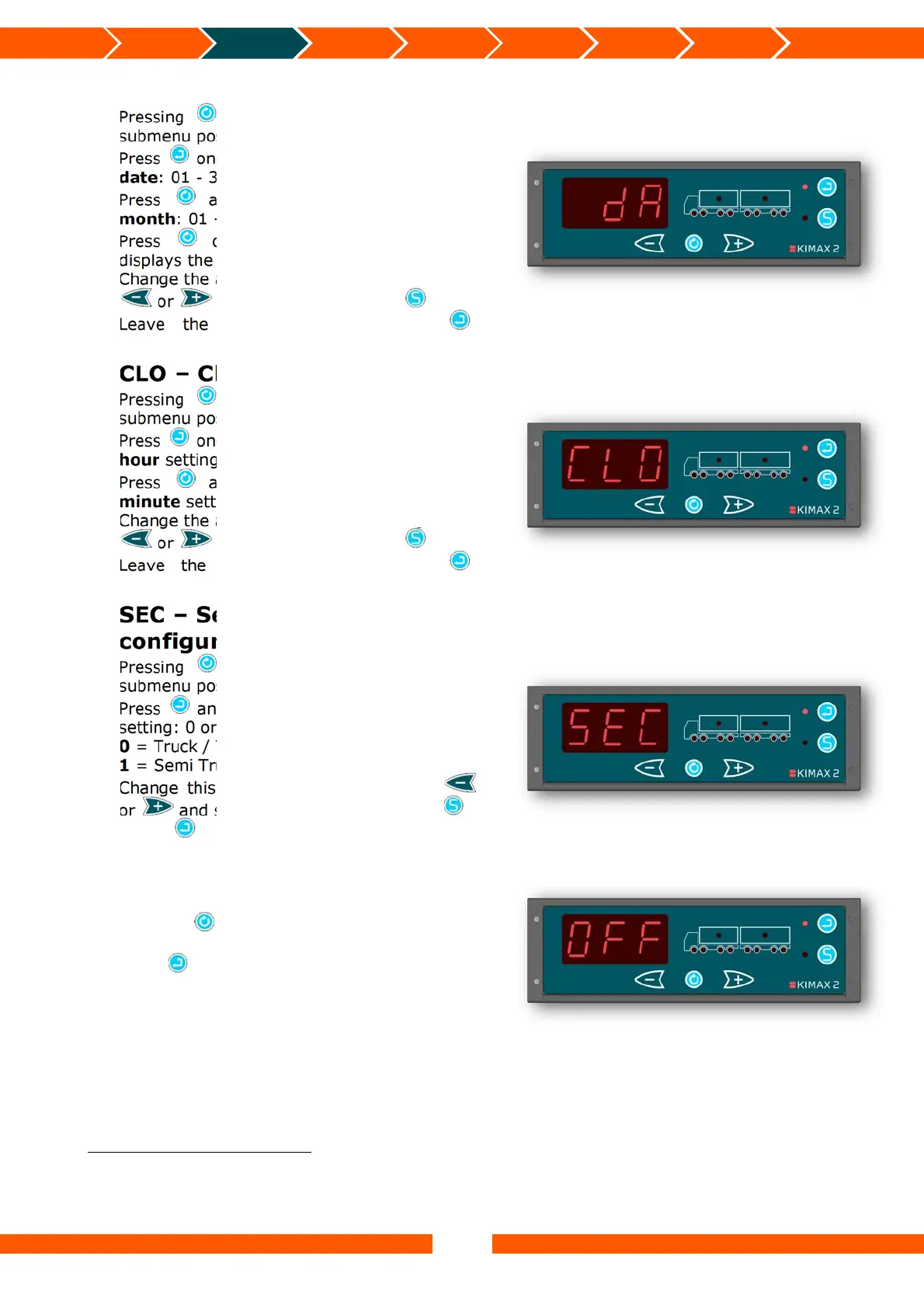
dA – Date
11
Pressing , will take you on to the next
submenu position called CLO.
Press once and the Kimax 2 displays the
date: 01 - 31.
Press and the Kimax 2 displays the
month: 01 - 12.
Press once more and the Kimax 2
displays the year: (2)000 – (2)100.
Change the above settings by pressing either
or and save it by pressing .
Leave the dA menu by pressing .
CLO – Clock
12
Pressing , will take you on to the next
submenu position called SEC.
Press once and the Kimax 2 displays the
hour setting: 00 - 23.
Press and the Kimax 2 displays the
minute setting: 00 - 59.
Change the above settings by pressing either
or and save it by pressing .
Leave the CLO menu by pressing .
SEC – Semitrailer
configuration
Pressing , will take you on to the last
submenu position, OFF.
Press and the Kimax 2 displays the SEC
setting: 0 or 1.
0 = Truck / Trailer combination.
1 = Semi Truck / Semi Trailer combination
13
.
Change this setting by pressing either
or and save the change by pressing .
Press again to return from the SEC
submenu.
OFF
Pressing , will take you back to the first
submenu position, LAN.
Press to leave the submenu and return to
SUP.
11
The “Date” stored in this setting affects the printed date on a print out from an attached printer.
12
The “Clock” stored in this setting affects the printed time on a print out from an attached printer.
13
If SEC is set to 1, there will only be three weighing display modes in the outer menu. It won’t be possible to scroll
between truck and trailer when showing payload and total weight.


 To Next Page
 Loading...