15
Introduction
Daily use
KIMAX2
Menu
Configuration
Calibration
Protecting
calibration
Electrical
installation
Sensor
installation
Additional
information
By pressing either or you can
change the value and save the change by
pressing for each instrument.
Press again to return from the A3 menu.
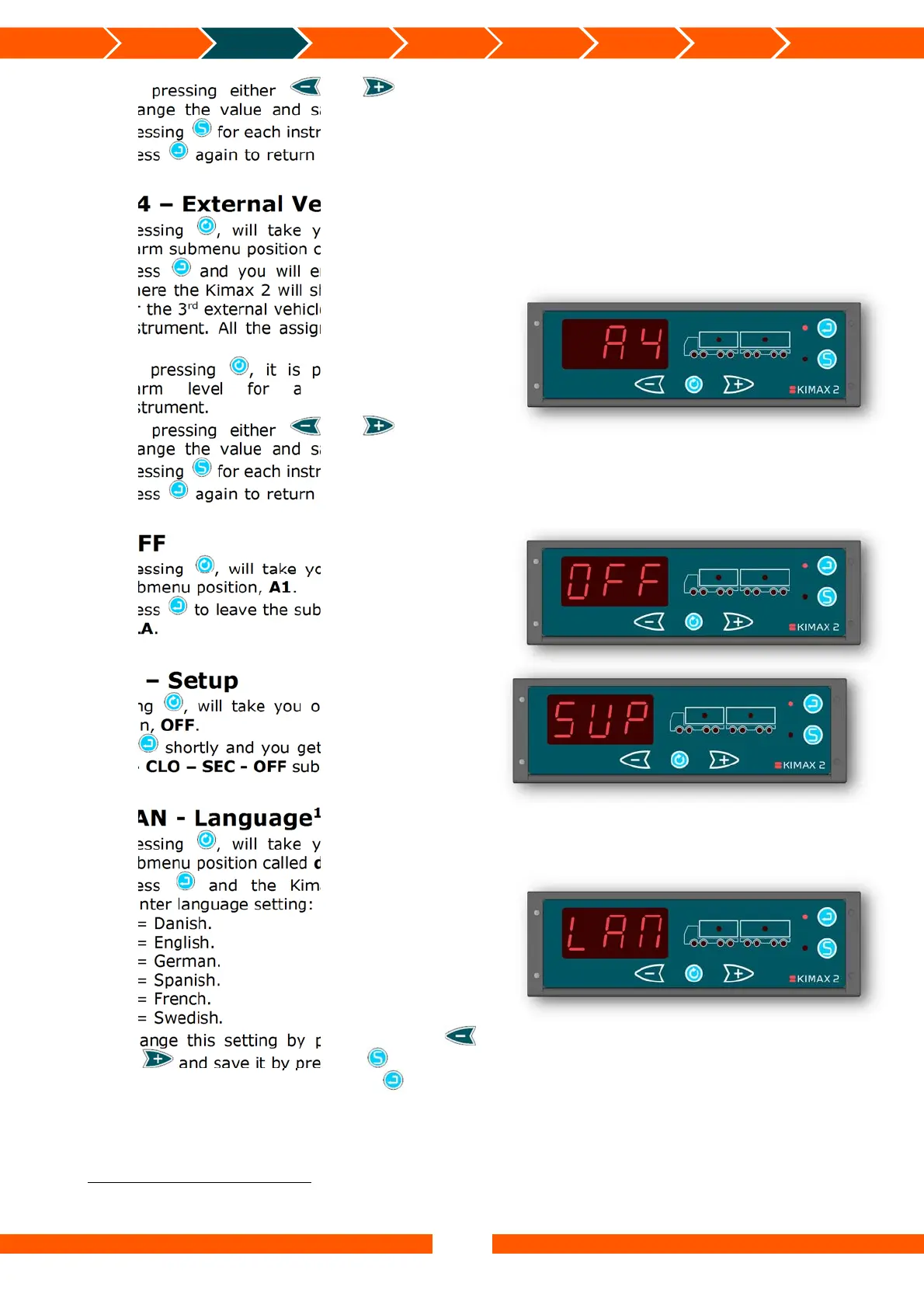
A4 – External Vehicle Alarm
9
Pressing , will take you on to the next
alarm submenu position called OFF.
Press and you will enter the A4 menu,
where the Kimax 2 will show the alarm level
for the 3
rd
external vehicle alarm of the truck
instrument. All the assigned truck LEDs will
be on.
By pressing , it is possible to see the
alarm level for a connected trailer
instrument.
By pressing either or you can
change the value and save the change by
pressing for each instrument.
Press again to return from the A4 menu.
OFF
Pressing , will take you back to the first
submenu position, A1.
Press to leave the submenu and return to
ALA.
SUP – Setup
Pressing , will take you on to the last menu
position, OFF.
Press shortly and you get access to the LAN
- dA – CLO – SEC - OFF submenus.
LAN - Language
10
Pressing , will take you on to the next
submenu position called dA.
Press and the Kimax 2 displays the
printer language setting: 1 - 6.
1 = Danish.
2 = English.
3 = German.
4 = Spanish.
5 = French.
6 = Swedish.
Change this setting by pressing either
or and save it by pressing .
Leave the LAN menu by pressing .
9
Not available in all versions.
10
The language setting only affects which language is used by an attached printer


 To Next Page
 Loading...