20
Introduction
Daily use
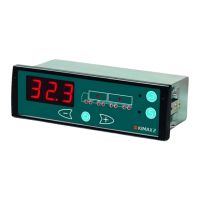
KIMAX2
Menu
Configuration
Calibration
Protecting
calibration
Electrical
installation
Sensor
installation
Additional
information
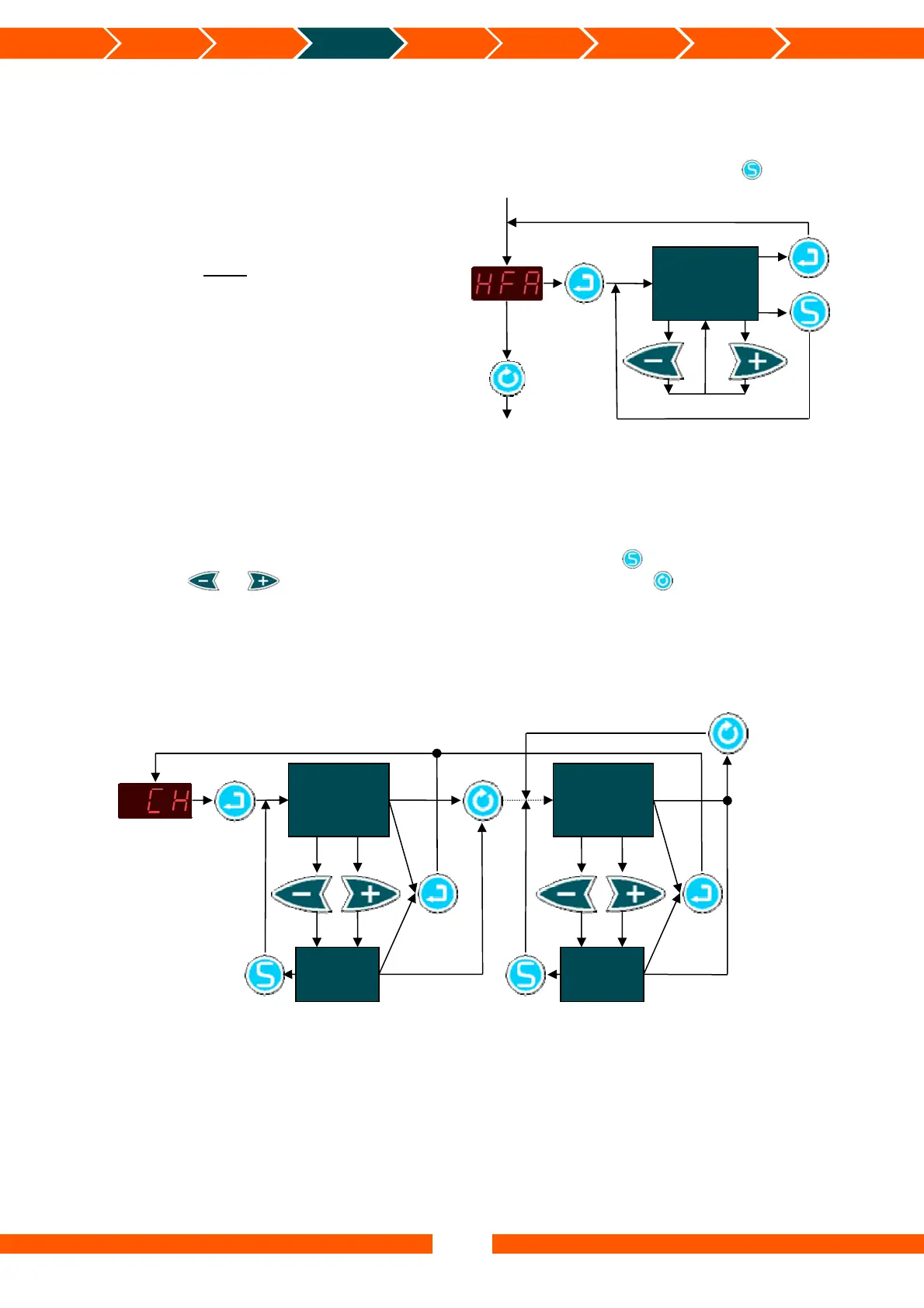
How to set up HFA
Enter the HFA-menu to make sure the setting is correct otherwise change it.
Enter the menu and change the setting, remember to save the setting by pressing .
When you have finished setting up these
settings you must continue to the next
part “Setting up the Axle-LEDs”
Setting up the Axle-LEDs
Through the COF menu you can assign certain axle LEDs to each of the 8 analogue channels
(4 channels on a master instrument + 4 channels on a slave instrument).
Enter the CH-menu to assign LED’s to the individual input channels:
When an LED is flashing you can change its setting by pressing . To make an LED flash
press either or . Change to the next input channel by pressing .
You can assign several LEDs to one input channel but you cannot assign a specific LED to more
than one input channel.
HFA
Setting
Access menu
Save HFA
Settin
Leave
menu
Ad
ust
Channel “n”
1 ≤ n ≤ 8
Associated
Axle LED(s)
Axle LED
flash
Access menu
Jump to next
channel
Jump to next
Channel
Save
chan
es
Leave
menu
Ad
ust
Channel 1
Associated
Axle LED(s)
Axle LED
flash
Save
chan
es
Leave
menu
Ad
ust


 To Next Page
 Loading...