21
Introduction
Daily use
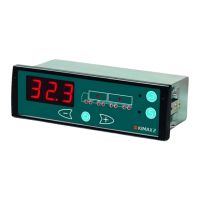
KIMAX2
Menu
Configuration
Calibration
Protecting
calibration
Electrical
installation
Sensor
installation
Additional
information
Calibration
Once the installation and setup of your Kimax instrument is done, it is time to calibrate the
instrument. This calibration is linking an actual unloaded weight of an axle together with a LO
reading of this axle, - and linking a loaded weight of an axle together with a HI reading of this
axle. The LO and HI calibration has to be carried out for all axles or axle groups. The actual
weight of each axle on your vehicle has to be measured on a weighing bridge.
LO weighing
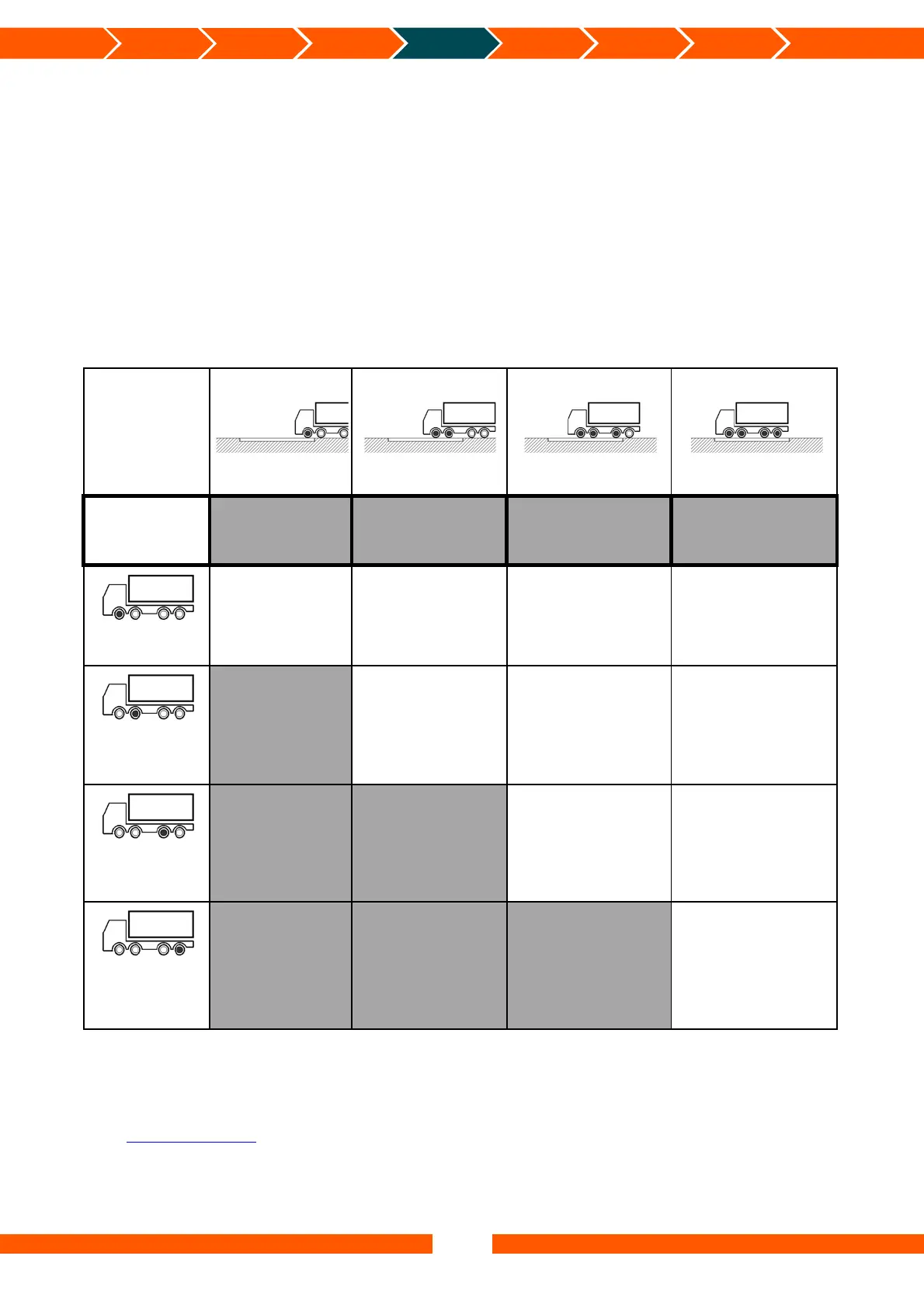
For calibration of the LO values on each individual axle, you have to weigh an unloaded vehicle
in the following positions on a weighing bridge, showed in the table. The table is showing an
example for a 4-axle vehicle.
LO
Position
Axle #1
Position
Axle #1+2
Position
Axle #1+2+3
Position
Axle #1+2+3+4
Readings on
Weighing
bridge
4,62 T 8,44 T 12,64 T
15,36 T
Axle 1
Axle 1:
4,62 T
Axle 1 LO value
Axle 1 = Weighing bridge
Axle 1:
4,62 T
Repeat the LO weight value for
axle 1
Axle 1:
4,62 T
Repeat the LO weight value for
axle 1
Axle 1:
4,62 T
Repeat the LO weight value for
axle 1
Axle 2
Axle 2:
3,82 T
Axle 2 LO value.
Find the LO value for Axle 2
Axle 2 = (Weighing bridge
Axle #1+2) - Axle 1
Axle 2:
3,82 T
Repeat the LO weight value for
axle 2
Axle 2:
3,82 T
Repeat the LO weight value for
axle 2
Axle 3
Axle 3:
4,20 T
Axle 3 LO value.
Find the LO value for Axle 3:
Axle 3 = (Weighing bridge axle
#1+2+3) - (Axle 1 + Axle 2)
Axle 3:
4,20 T
Repeat the LO weight value for
axle 3
Axle 4
Axle 4:
2,72 T
Axle 4 LO value.
Find the LO value for Axle 4:
Axle 4 = (Weighing bridge axle
#1+2+3+4) - (Axle 1 + Axle 2 +
Axle 3)
Important: The measured values for the axles must be given in right away to the Kimax
instrument while the vehicle is carrying the actual measured weight and is parked on an even
surface without any brakes active.
Visit www.kimax.com and navigate to the Support section and choose Training Center. Here it
is possible to see some animations showing how to calibrate a Kimax 2 Radio.


 To Next Page
 Loading...