24
Introduction
Daily use
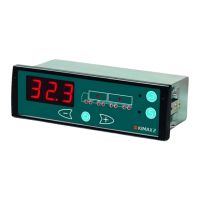
KIMAX2
Menu
Configuration
Calibration
Protecting
calibration
Electrical
installation
Sensor
installation
Additional
information
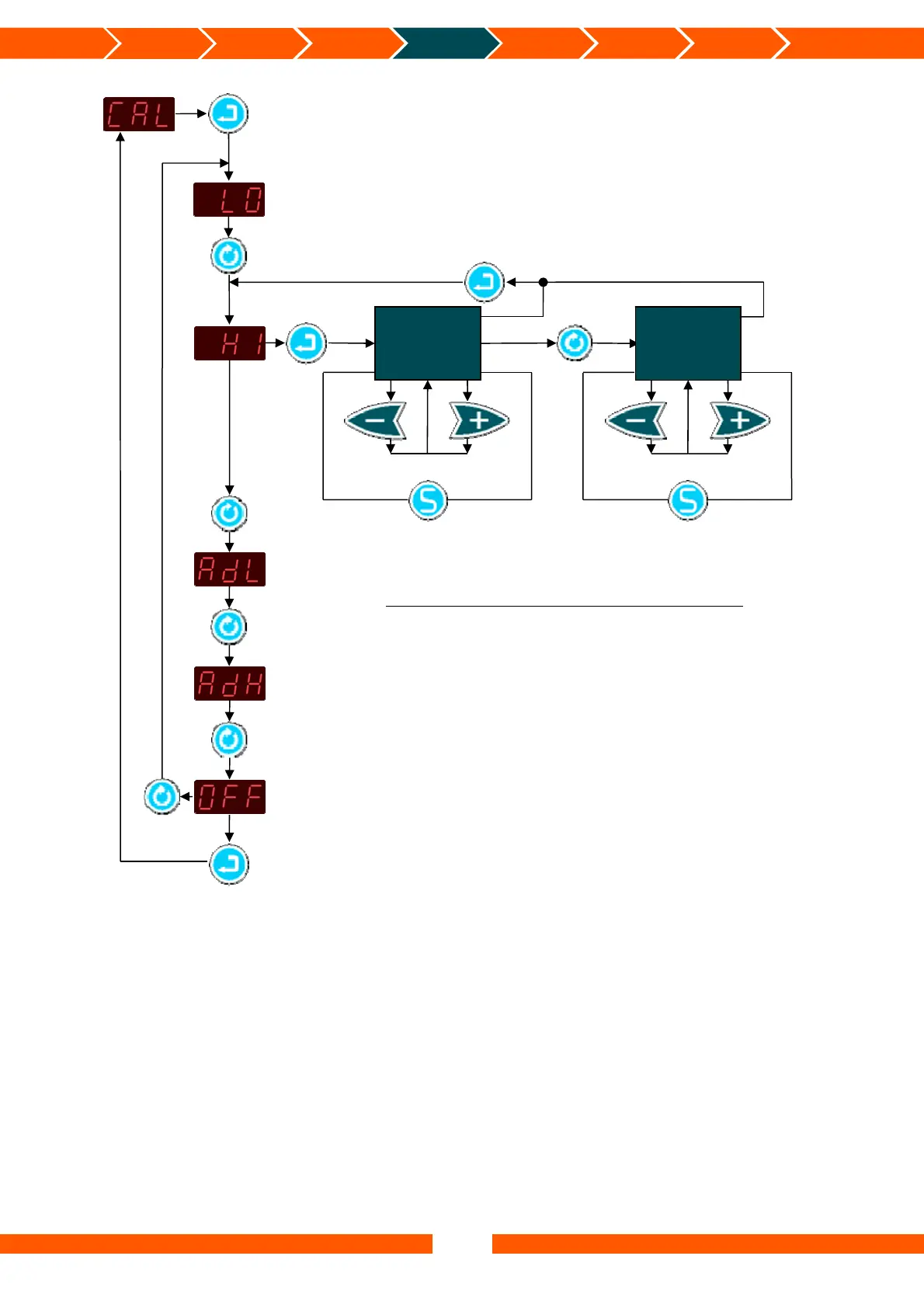
Access CAL submenus
Leave CAL submenus
Access menu
Save HI value
Leave menu
Ad
ust
Next active
axle
Save HI value
Ad
ust
Enter the HI menu and save the HI Weight values for each Axle.
Press the Enter button for 2 seconds to enter the Kimax 2 menu.
(PPP is showed)
Press the Scroll button some times until CAL is shown.
Press the Enter button to enter the calibration submenu.
(LO is shown)
Press the Scroll button once.
(HI is shown)
Press the Enter button to enter the HI menu.
(The HI value for the first active axle is shown)
Change the value if needed using the -/+ button.
Press the Save button to save the HI value for the current axle.
Switch between the active axles using the Scroll button.
Repeat the last three steps, to set all the HI values.
When this is done press the Enter button to leave the HI menu.
(HI is shown)
Press the Scroll button some times until OFF is shown.
Press the Enter button to leave the calibration submenu.
(CAL is shown)
Press the Scroll button some times until OFF is shown.
Press the Enter button to leave the Kimax 2 menu.
HI value
First active axle
HI value
Active axle “n”
1 ≤ n ≤ 8


 To Next Page
 Loading...