8
Introduction Daily use
KIMAX2
Menu
Configuration
Calibration
Protecting
calibration
Electrical
installation
Sensor
installation
Additional
information
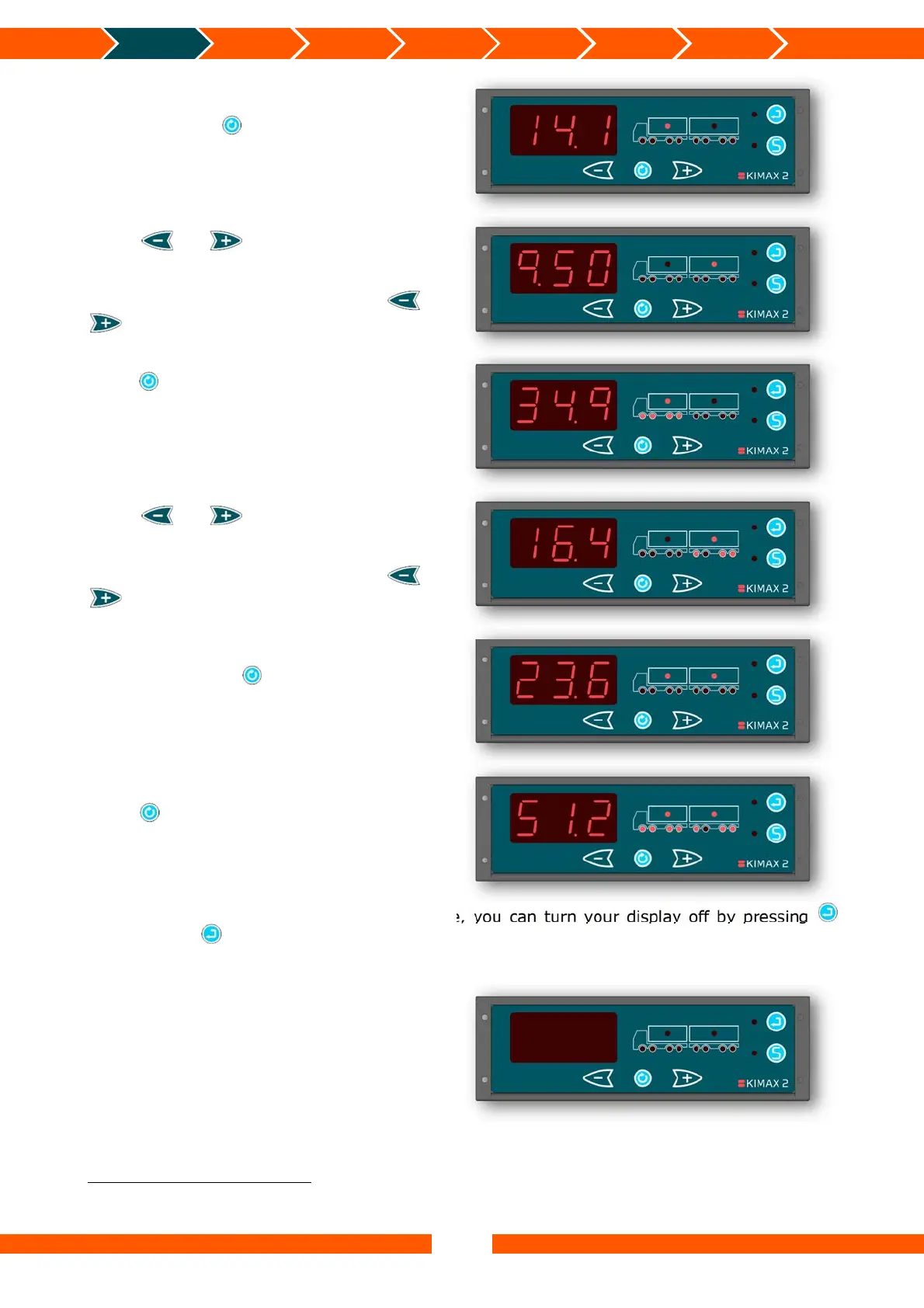
When you press in any of the single axle
modes, the load of the related vehicle is
shown indicated by turning on the load LED.
Press or , to toggle between the
load on your vehicle and the load on your
trailer.
When no trailer is present, pressing or
will not affect the displayed value.
Press in any of the load modes and the
total weight of the active vehicle is
displayed. This mode is displayed by turning
on both the load LED and the axle LEDs on
the active vehicle.
Press or , to toggle between the
total weight of your vehicle and the total
weight of your trailer.
When no trailer is present, pressing or
will not affect the displayed value.
When you press in both of the two
former total weight modes the entire load on
your vehicle + trailer is shown.
Press once again to return to the total
weight of your vehicle + trailer.
In any of the mentioned display modes above, you can turn your display off by pressing
shortly. Press shortly once more to turn your display back on.
While the display turned off, the alarm outputs A2, A3, A4
3
, the OBC signal and the wireless
4
signal is still active and broadcasted.
3
Depending on the software version. In some versions A2, A3 and A4 are disabled, when the display is turned off.
4
There will only be a wireless signal if the Kimax 2 instrument is a model with a transmitter.


 To Next Page
 Loading...