2. Privilege management of the router
3. Firmware Upgrade
de
Click "Auto Detect" , it can upgrade automatically if
a new version is updated.
Or click "Local Update", then click "Browse" to add
the local computer to be upgraded firmware,
upload it.The process is about 5 minutes, it will be
restart after refresh successfully. And can not power
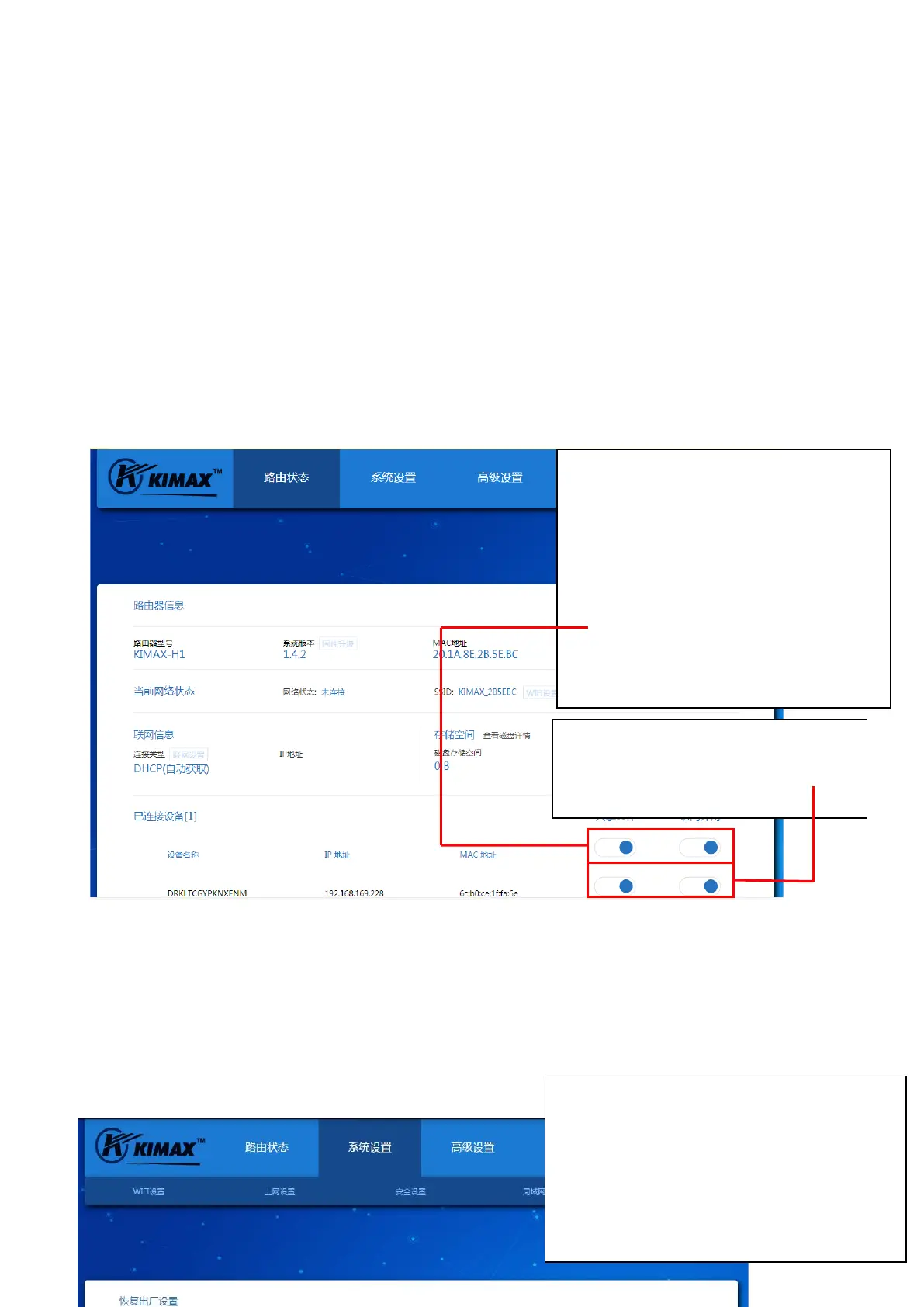
General switch: here you can control all the
permissions of the default file’s sharing and
connection to Internet of the connected
devices.
Note
If the switch is on, the connected devices
of current and subsequent will open
permission by default. Off state will cancel the
permissions by default. When the main switch
is off, you need to open a device privilege, and
Device switch: can change the file sharing
permissions and networking privileges of
the corresponding devices singly.


 To Next Page
 Loading...