EasyManua.ls Logo

Kimo Direct Hometrainer - Page 21

Default Icon
Print Icon
To Next Page IconTo Next Page
To Previous Page IconTo Previous Page
Loading...
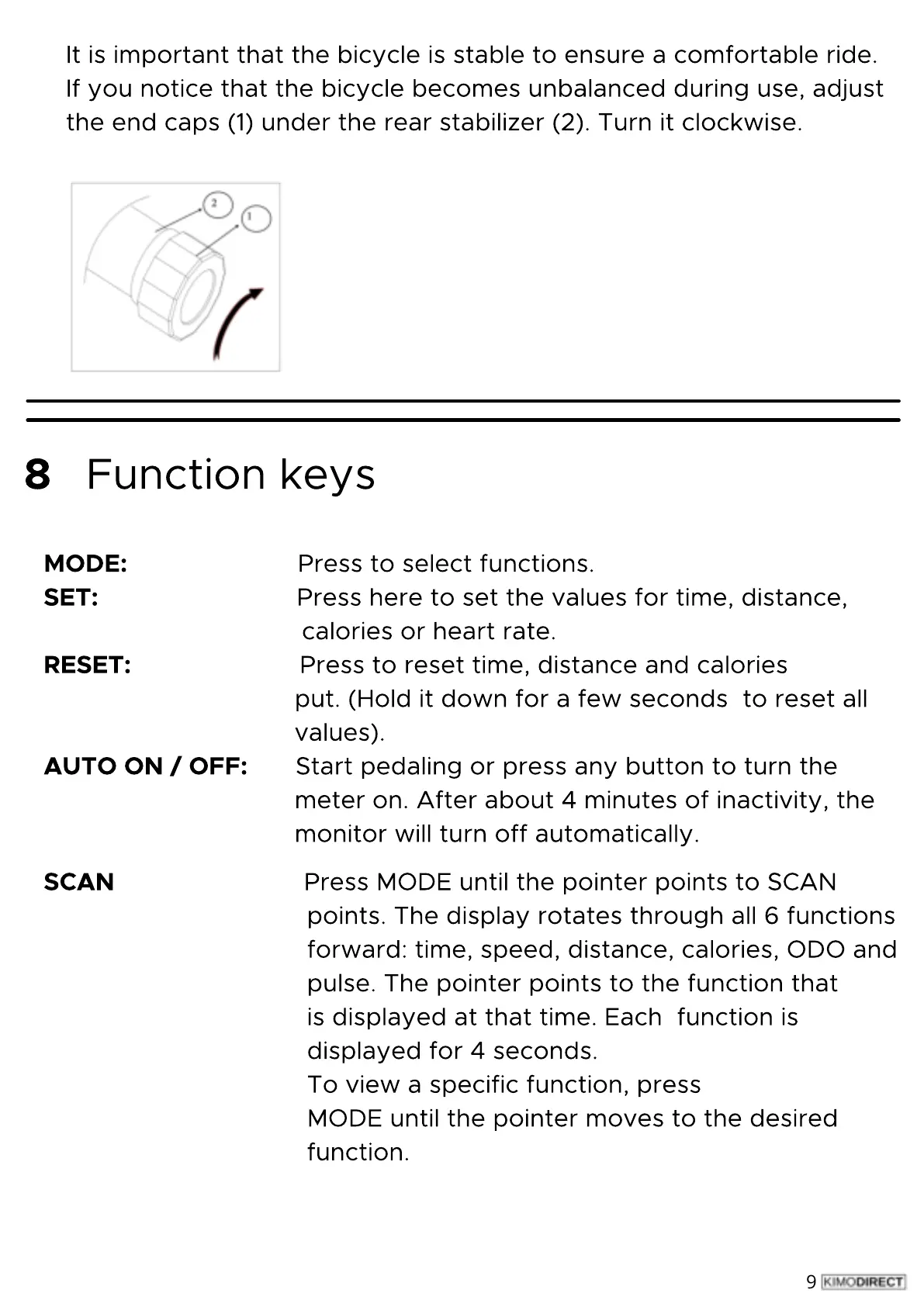
It
is
important
that
the
bicycle
is
stable
to
ensure
a
comfortable
ride.
If
you
notice
that
the
bicycle
becomes
unbalanced
during
use,
adjust
the
end
caps
(1
)
under
the
rear
stabilizer
(2
)
.
Turn
it
clockwise.
9
Function
keys
ODE:
Press
to
select
functions.
SET:
Press
here
to
set
the
values
for
time,
distance,
calories
or
heart
rate.
RESET:
Press
to
reset
time,
distance
and
calories
put.
(Hold
it
down
for
a
few
seconds
to
reset
all
values
)
.
AUTO
Start
pedaling
or
press
any
button
to
turn
the
meter
on.
After
about
4
minutes
of
inactivity,
the
monitor
will
turn
off
automatically.
8
SCAN:
Press
MODE
until
the
pointer
points
to
SCAN
points.
The
display
rotates
through
all
6
functions
forward:
time,
speed,
distance,
calories,
ODO
and
pulse.
The
pointer
points
to
the
function
that
is
displayed
at
that
time.
Each
function
is
displayed
for
4
seconds.
To
view
a
specific
function,
press
MODE
until
the
pointer
moves
to
the
desired
function.
MODE:
SET:
RESET:
AUTO
ON
/
OFF:
SCAN