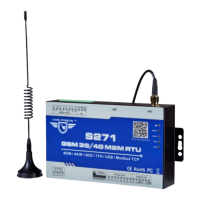
System configuration:
1)
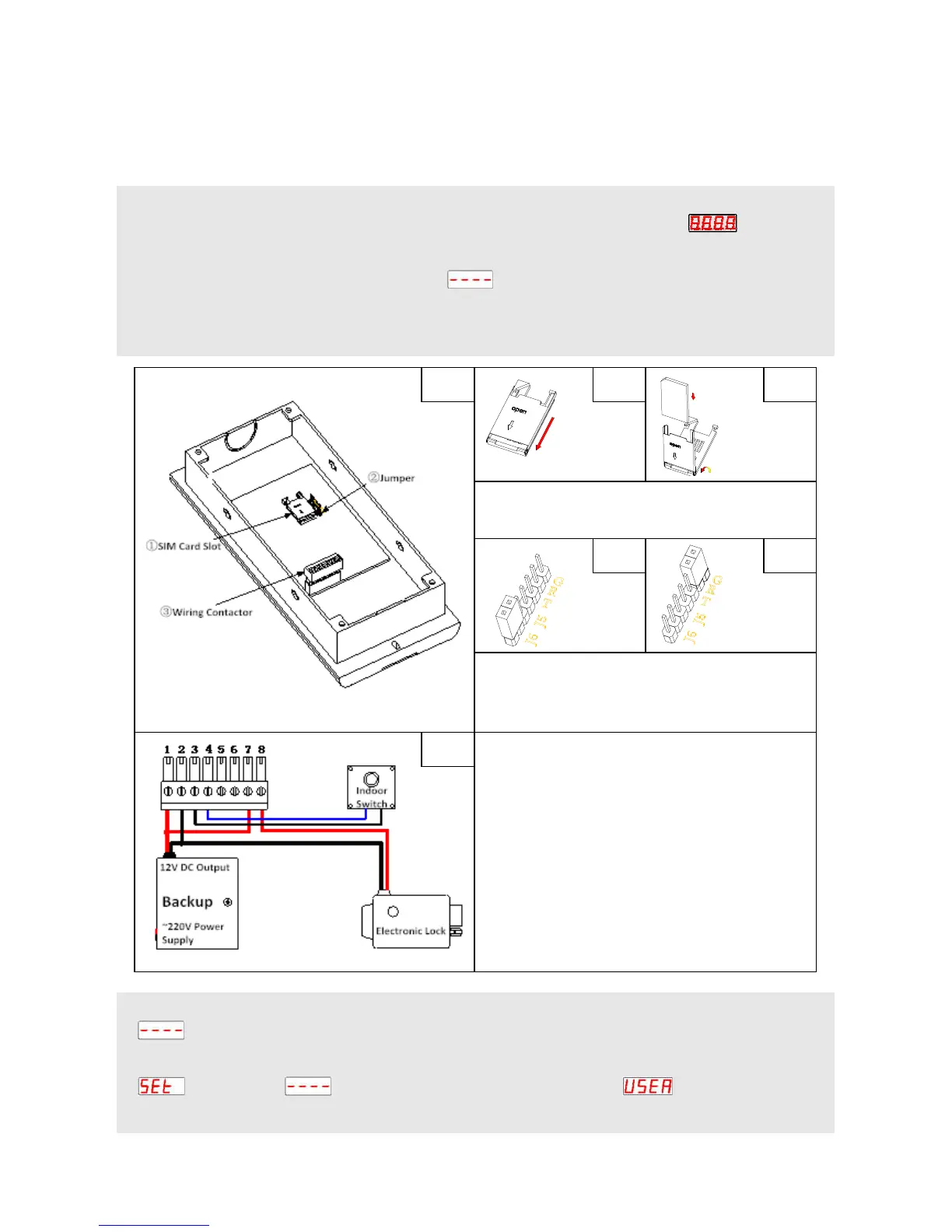
Open the unit’s back cover and insert the SIM card (B1, B2).
2)
Wiring connect refer to the figure (D1). Then switch on the device, LED screen displays .
3)
When the host receives the signal, the buzzer keep a long sound (No signal, the buzzer keep a short sound
twice). Enters the standby mode, screen display .
4)
RESET (Caution):
①
Short connect the ‘G’ and ‘R’ in ‘J8’ by the jumper (C2);
②
Power on the device;
③
After 3
seconds, put out the jumper and removed it to ‘J6’(C1).
Mode description:
1. Standby Mode: The host is generally in standby mode. In other mode, press * to return to standby, or
no operation for 1 minute will automatically return to standby.
2. Setting Mode: In the standby mode, press # button display , enter the current 6 bit
administrator password (factory default 123456). Then press # button to confirm it. If the password is correct,
A1 B1
C1 C2
Open the SIM card slot (B1). Put the SIM card in
the slot and close it (B2).
If you RESET the device, remove the jumper from
J6 (C1) to GR (C2), and plug it back to J6 after reset
successfully.
2: DC power supply -
3: Connect to the indoor switch
4: Connect to the indoor switch
5: Backup relay
6: Backup relay
7: Main relay
8: Main relay
Note: Port 5/6 used as a backup relay for connect
other devices. Port 7/8 used for control electronic
lock, wiring connection refer to (D1).
S
I
M
C
A
R
D
B2

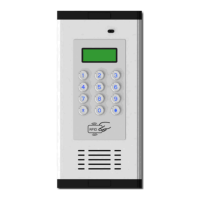

 To Next Page