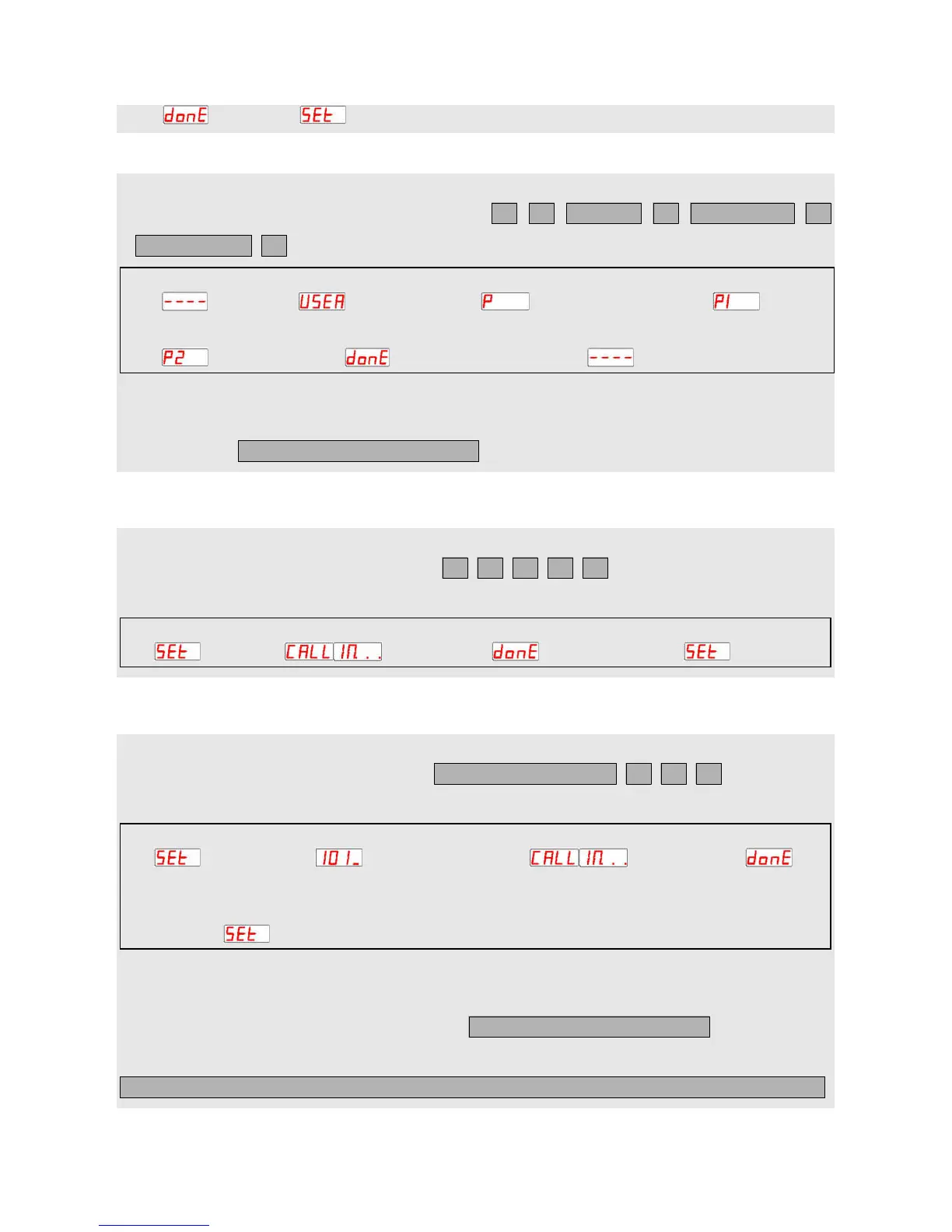
display . When display , indicate to enter setting mode.
Basic settings:
√ Set administrator password
1. Use the host to set: In the standby mode, press
2. Use SMS to set (If no special instructions, administrator’s phone number should be used to edit the SMS and
send to the host):
√ Set administrator phone number
Use the host to set: In the setting mode, press , then use administrator’s phone
number to call the host.
√ Set home owner phone number
1. Use the host to set: In the setting mode, press , then use home
owner’s phone number to call the host.
2. Use SMS to set:
1) Authorize to individual home owner phone number:
2) Authorize to multiple home owners phone number:
setting mode press room number#, e.g. 0101# Press 1# alternate display call the host
→ → →
→
automatically return to setting mode
setting mode press 0000# alternate display call the host automatically return to setting mode
→ → →
standby mode press # display press # display again input current password #
→ → → →
new password # verify password # automatically return to standby
→ →
# current password # new password
#
0
0
0
0
Room number (four digits)
# room number # 1 # phone number
# room number # 1 # phone number # room number # 1 # phone number # room number # 1 # phone number


 To Next Page
 Loading...