EasyManua.ls Logo

King Pigeon S130 - User Manual

King Pigeon S130
20 pages
Print Icon
To Next Page IconTo Next Page
Loading...
Remote switching machines with a SMS text from your mobile phone!
Remote Monitoring your assets in the worldwide by your mobile Phone!
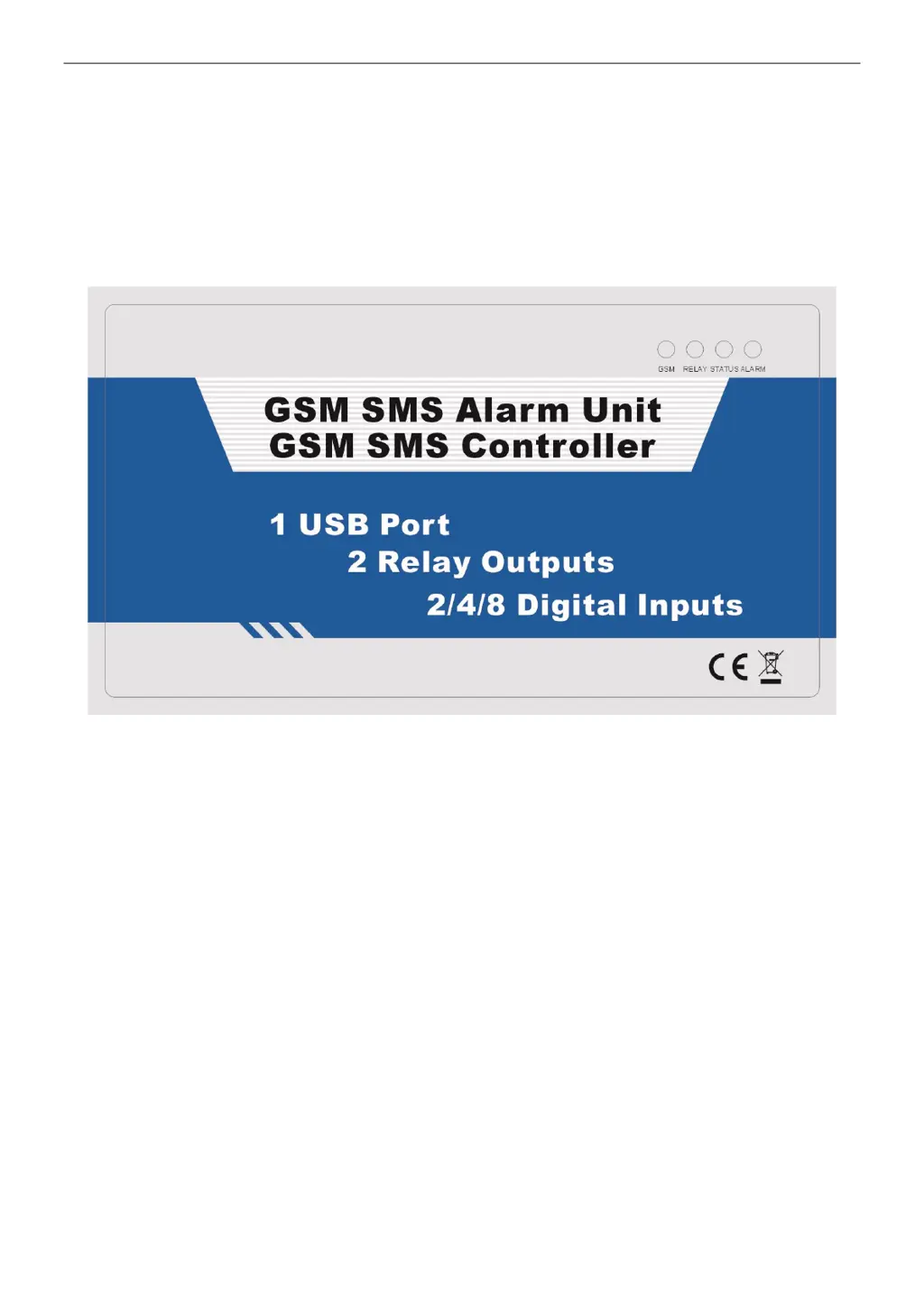
GSM SMS Controller
GSM SMS Alarm Unit
S130 S140 S150
User Manual
Ver 1.50 Date Issued: 2011-04-06
Table of contents
1. Brief introduction ----------------------------------------------------------------------------3

Questions and Answers

  • J
    Jose WillisAug 4, 2025
    What to do if King Pigeon S130 alarm has no SMS/Dial/No action after sending SMS?
    • Y
      ymooreAug 4, 2025
      If the King Pigeon Controller alarms without sending SMS, dialing, or responding to SMS commands, here are a few things to check: * First, ensure you have correctly set up the SMS alert numbers. * Next, verify the format and content of your SMS commands, paying close attention to capitalization. * It's also worth trying a SIM card from a different GSM operator to rule out communication protocol issues. Please refer to the example to set up the telephone numbers.
  • S
    smithsamanthaAug 8, 2025
    Why does my King Pigeon Controller automatically restart?
    • B
      Bonnie SanchezAug 9, 2025
      If your King Pigeon Controller is restarting automatically, it might be due to a backup battery with low voltage. To resolve this, please ensure the controller is properly connected to AC power.
  • K
    Kimberly James MDAug 14, 2025
    What to do if King Pigeon S130 Controller gives false alarms?
    • I
      Ian DayAug 14, 2025
      If your King Pigeon Controller is giving false alarms, consider the following: 1. Review the PIR motion detector installation user manual to ensure correct placement. 2. Verify the detector's NC/NO type and confirm that a 2.2K resistor is connected in series in any unused input ports.
  • B
    Brandy MarquezAug 19, 2025
    How to fix King Pigeon S130 GSM Module initialization failure?
    • B
      Benjamin ChaseAug 19, 2025
      If the GSM Module initialization failed on your King Pigeon Controller, it could be due to several reasons: * A backup battery with low voltage. * A loose GSM/3G/4G Module connection. * A weak 3G/4G signal. To address this: 1. Connect the device to AC power. 2. Have a mobile phone repair technician check the GSM Module socket and connection. 3. Try installing the alarm panel in a different location.
  • J
    jacquelineperezAug 25, 2025
    What to do if King Pigeon S130 alarm doesn't send SMS, dial, or act after sending SMS?
    • G
      Gregory CoxAug 25, 2025
      If your King Pigeon Controller isn't sending SMS alerts, dialing, or responding after you send an SMS, consider these potential causes and solutions: * Ensure you have correctly set up the SMS alert numbers. * Verify the SMS commands are in the correct format and that the Caps Lock is off. * The issue might be related to the GSM operator's communication protocol, so try using a SIM card from a different GSM operator to test.
  • J
    Jeffrey SilvaAug 29, 2025
    What to do if King Pigeon S130 gives a false alarm?
    • H
      Haley LewisAug 29, 2025
      If your King Pigeon Controller is giving false alarms, consider the following: * Incorrect installation of the PIR motion detector might be the cause. Refer to the PIR motion detector's user manual for correct installation guidelines. * Incorrect NC/NO/EOL configuration could also trigger false alarms. Check the detector's NC/NO type and ensure a 2.2K resistor is connected in series in the unused input ports.

Summary

Introduction to GSM SMS Controller

Overview of Controller Capabilities

Overview of the GSM SMS Controller's remote control and monitoring capabilities via mobile phone.

Safety and Handling Precautions

Safe Startup and Usage Guidelines

Ensures safe operation and highlights prohibited use cases like gas stations.

Operational Interference and Placement

Addresses potential signal interference and recommends suitable installation locations.

Maintenance and Qualified Service

Specifies that maintenance must be performed by qualified personnel only.

Standard Packing and Optional Accessories

Physical Layout and LED Indicators

Control Unit Physical Layout and LEDs

Describes the physical layout of the control unit and explains the function of each LED indicator.

Interface Connections and Ports

Interface 1: Audio and Antenna Ports

Details connections for Microphone, Speaker, GSM Antenna, and USB port.

Interface 2: Power, Siren, and Input;Output Terminals

Explains connections for power, siren, digital inputs (IN1-IN8), and relays (R1, R2).

Key Features and Capabilities

System Settings and Configuration

PC Configurator Setup and Operation

SMS Command Operating Instructions

Arming the System via SMS

Command xxxxAA to activate the system's armed mode remotely.

Disarming the System via SMS

Command xxxxBB to deactivate the system's armed mode remotely.

Switching Independent Output Relay ON

Command xxxxCC to remotely turn on the independent output relay.

Switching Independent Output Relay OFF

Command xxxxDD to remotely turn off the independent output relay.

Inquiring System Status via SMS

Command xxxxEE to check the current status of the GSM SMS Controller.

Installation Procedures

SIM Card Insertion into Control Unit

Instructions for correctly inserting the GSM SIM card into the unit.

Connecting Wired Detectors and Equipment

Details on wiring detectors and electrical equipment to the unit's inputs.

Typical Application Scenarios

Application Sample 1: Water;Oil Tank Monitoring

Example of a long-distance solution for monitoring and controlling water or oil tanks automatically.

Application Sample 2: Local Tank Monitoring

Example of a local solution for monitoring and controlling water or oil tanks automatically.

Application Sample 3: Environment Monitoring

Example of a solution for monitoring environmental conditions like temperature and humidity.

Installation and Component Mounting

Mainframe Installation

Guidelines for physically installing the GSM SMS Controller mainframe in a suitable location.

Speaker and Microphone Installation

Instructions for mounting the microphone and speaker for two-way communication.

Technical Specifications

Warranty Information

Troubleshooting Common Issues

King Pigeon S130 Specifications

General IconGeneral
Frequency range850/900/1800/1900 MHz
Digital Inputs4
Analog Inputs2
Temperature Input1
Humidity Input1
Humidity range10% to 90% RH
Net Weight200g
SIM CardStandard SIM
GSM Antenna50 Ω SMA Antenna interface
Relay Outputs2
Backup BatteryOptional

Related product manuals