16
Quick start
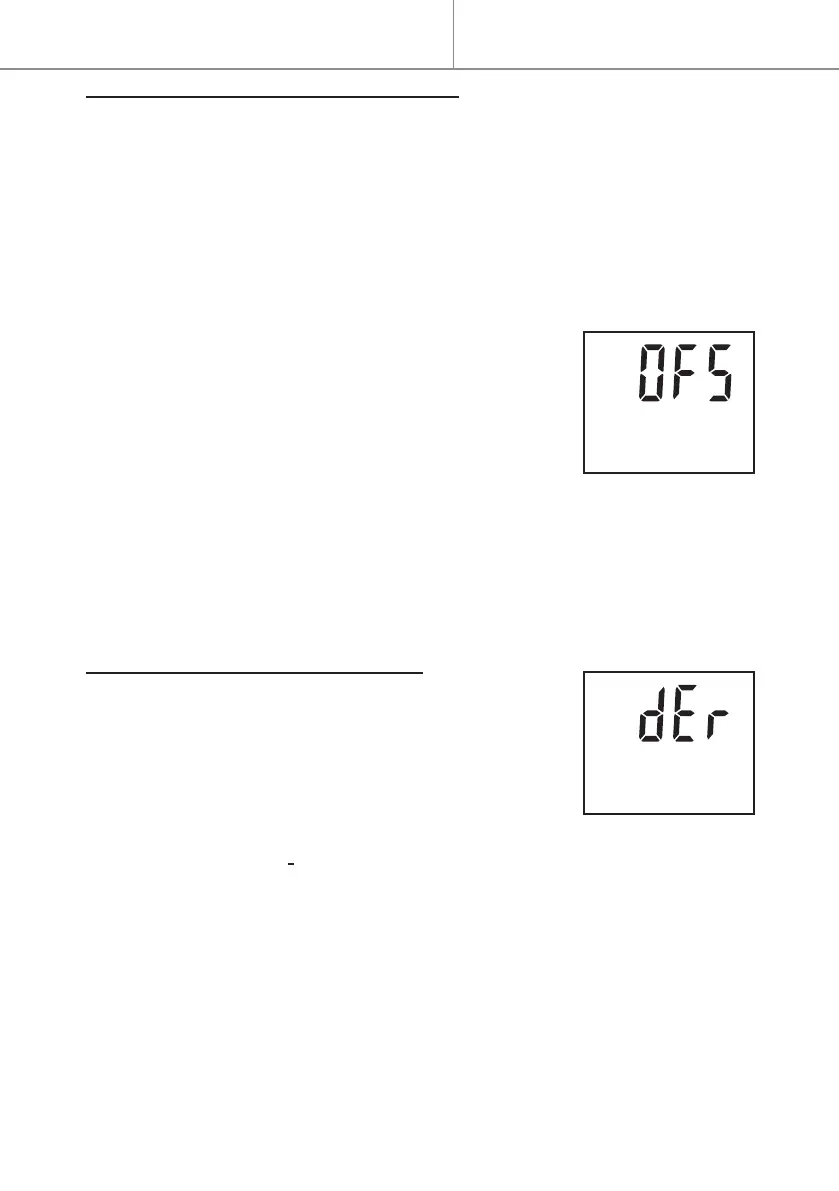
SETTING THE TEMPERATURE OFFSET
Thissettingcompensatesforanydierence(oset)betweenthetempera-
turedisplayedbytheunitandambienttemperaturemeasuredintheroom.
Thisdierencevariesfromoneroomtoanotherasitdependsontheinsu-
lation,roomlayoutandlocationoftheappliance.
Thisdierencemustbeclosedwhentheambienttemperatureisstabilised
aftermorethan2hoursofheatinginComfortorEcomode.
Thissettingchangesneitherthestabilitynortheaccuracyofthetempera-
tureregulation.
- Press MENU, then + to access the OFS menu.
- Press OK-boost to enter this menu.
- Press + or - to set the oset between 8°C and -8°C
- Press OK-boost to validate the oset.
- Press MENU to exit the menu.
Forexample,iftheapplianceissetat20°Candiftheambientthermometer
displays18°C,theosetmustbe-2°C.
Forexample,iftheapplianceissetat20°Candiftheambientthermometer
displays22°C,theosetmustbe2°C.
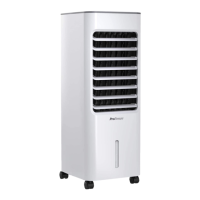
DEROGATION (Prolonged absence)
. Thisfunction maintainsfrost protection mode at
7.5°Cduringaprolongedabsencethenreturnsto
theinitialsettings.
- Press MENU, then + to access the dEr menu.
- Press OK-boost to enter this menu.
- Press + or - to select the number of days of absence from 1 to 99 days (for
example, 5 days = 05.d).
Thecurrentdaymustbecountedasanabsenceday.
- Press OK-boost to activate the absence setting; the number of remaining
days is displayed alternately with the setpoint temperature.
Theinitialmode(Comfort,EcoorProgramme)isre-establishedatmidnight
onthelastdayofabsence.
- Press MENU to cancel the absence function.
Forexample,iftheabsenceisprogrammedonMondayfor3days,theap-
pliancewillremaininfrostprotectionmodeuntilWednesdayatmidnight.
Quick start


 To Next Page