EasyManua.ls Logo

Kingston Technology IRONKEY Vault Privacy 50 - User Manual

Kingston Technology IRONKEY Vault Privacy 50
34 pages
Print Icon
To Next Page IconTo Next Page
Loading...
1
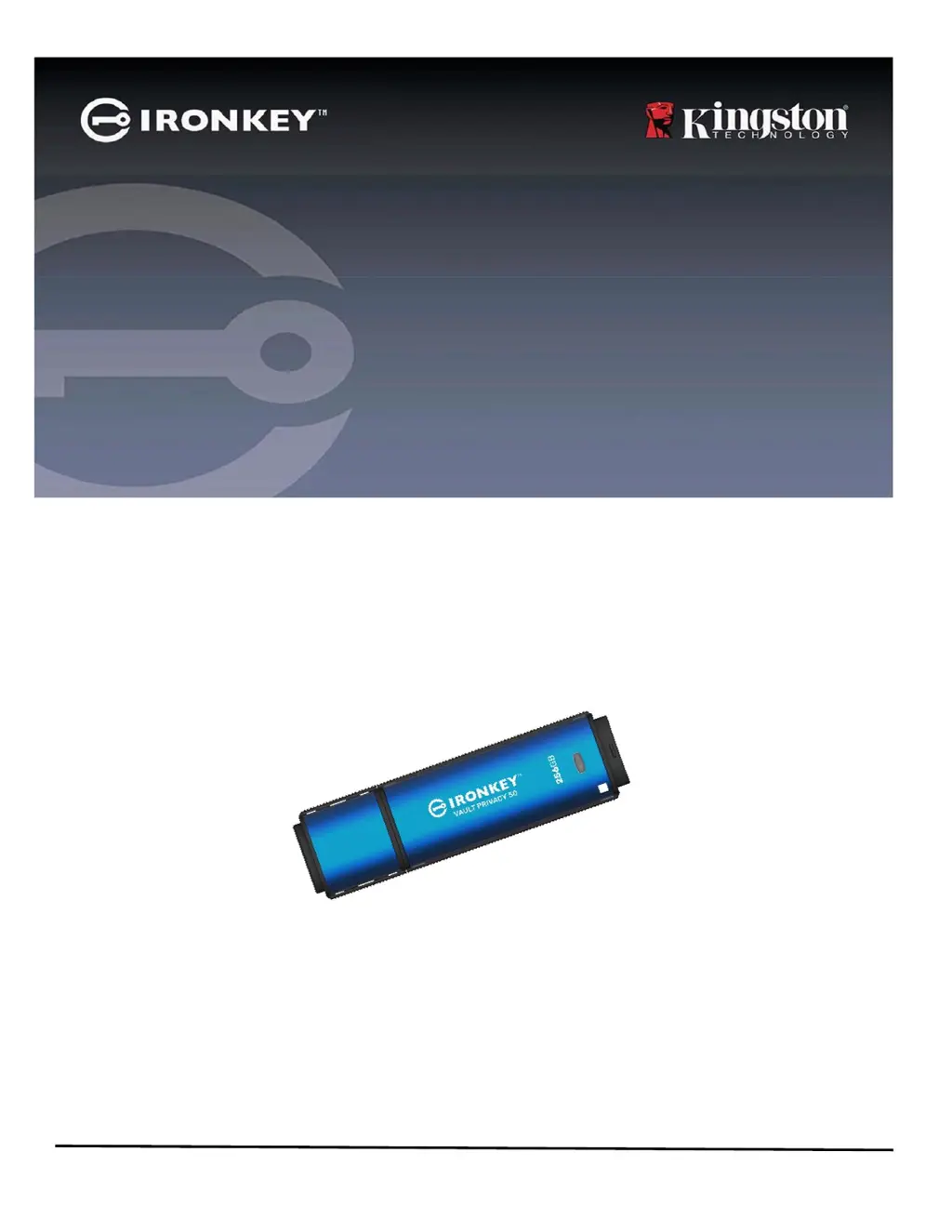
IRONKEY Vault Privacy 50 (VP50)
SECURE USB 3.2 Gen 1 FLASH DRIVE
User Guide

Other manuals for Kingston Technology IRONKEY Vault Privacy 50

Questions and Answers

Summary

Introduction

Recommendations

Using the Correct File System

Details on the default FAT32 file system and other formatting options for the drive.

Usage Reminders

Best practices for safe data handling and optimal device operation.

Find the Latest Updates and Information

Guides users on where to find software updates and additional support resources.

Best Practices for Password Setup

Multi-Password

Explains the Admin, User, and One-Time Recovery password options for data access and recovery.

Password Modes

Details the 'Complex' and 'Passphrase' modes for creating secure and memorable passwords.

Setting Up My Device

Device Access and Initialization

Guides on accessing the drive on Windows/macOS and initiating the setup process.

Password and Account Configuration

Details on creating passwords, selecting modes, and configuring Admin/User accounts.

Setup Security Features

Explains virtual keyboard and password visibility toggle for enhanced setup security.

Device Usage

Login Scenarios

Covers logging in with Admin/User enabled and User-Only modes.

Unlocking in Read-Only Mode

Explains how to unlock the drive in read-only state for data protection.

Brute-Force Attack Protection

Details the drive's behavior and lockout mechanisms after failed login attempts.

Accessing Secure Files

Describes how files are encrypted/decrypted and accessed on the drive.

Device Options

Accessing Device Options

Explains how to access device options via taskbar icons on Windows and macOS.

Available Device Options

Details on VP50 settings, browsing files, formatting, support, and shutting down.

VP50 Settings

Admin Settings

Configuration options available to the Admin, including password, contact info, and language.

User Settings (Admin Enabled)

Settings accessible to a User when the Admin Role is enabled.

User Settings (Admin Not Enabled)

Settings accessible to a User in a Single Password, Single User setup.

Changing and Saving Settings

Process for modifying and saving changes to VP50 settings, requiring password confirmation.

Admin Features

User Password Reset Options

Methods for manually resetting the User password via Admin Options.

One-Time Recovery Password

Steps to enable and use a single-use password for user password recovery.

Force Read-Only User Data

How to enable and enforce read-only access for user data.

Help and Troubleshooting

Device Lockout Mechanism

Explains the lockout counter and conditions for device lockout.

Reset Device Procedure

Steps to reset the device, which includes formatting and re-initialization.

Drive Letter Conflict (Windows)

Addresses potential drive letter conflicts in Windows and how to resolve them.

Error Messages

Explains common error messages related to read-only mode.

Kingston Technology IRONKEY Vault Privacy 50 Specifications

General IconGeneral
Capacity8GB, 16GB, 32GB, 64GB, 128GB
InterfaceUSB 3.2 Gen 1
EncryptionAES 256-bit hardware encryption
Operating System CompatibilityWindows, macOS, Linux
Operating Temperature0°C to 60°C
Warranty5 years
Security FeaturesPassword Protection
CertificationsFIPS
Storage Temperature-20°C to 85°C