Uniform & Accessories Warehouse • 20701 Nordhoff St, Chatsworth, CA 91311 • Tel: (877)643-1100
You should copy all files and folders on the memory card somewhere into a folder
somewhere on your computer. This makes a backup of the files and will make loading
times much lower. If you want to free up some space on the memory card you can also
delete them from the memory card after you have copied them to your computer.
Installing Dependencies
To play the files, you must first have Google Earth installed on your computer, as well
as the included codecs. If you already have these installed, you may skip this section.
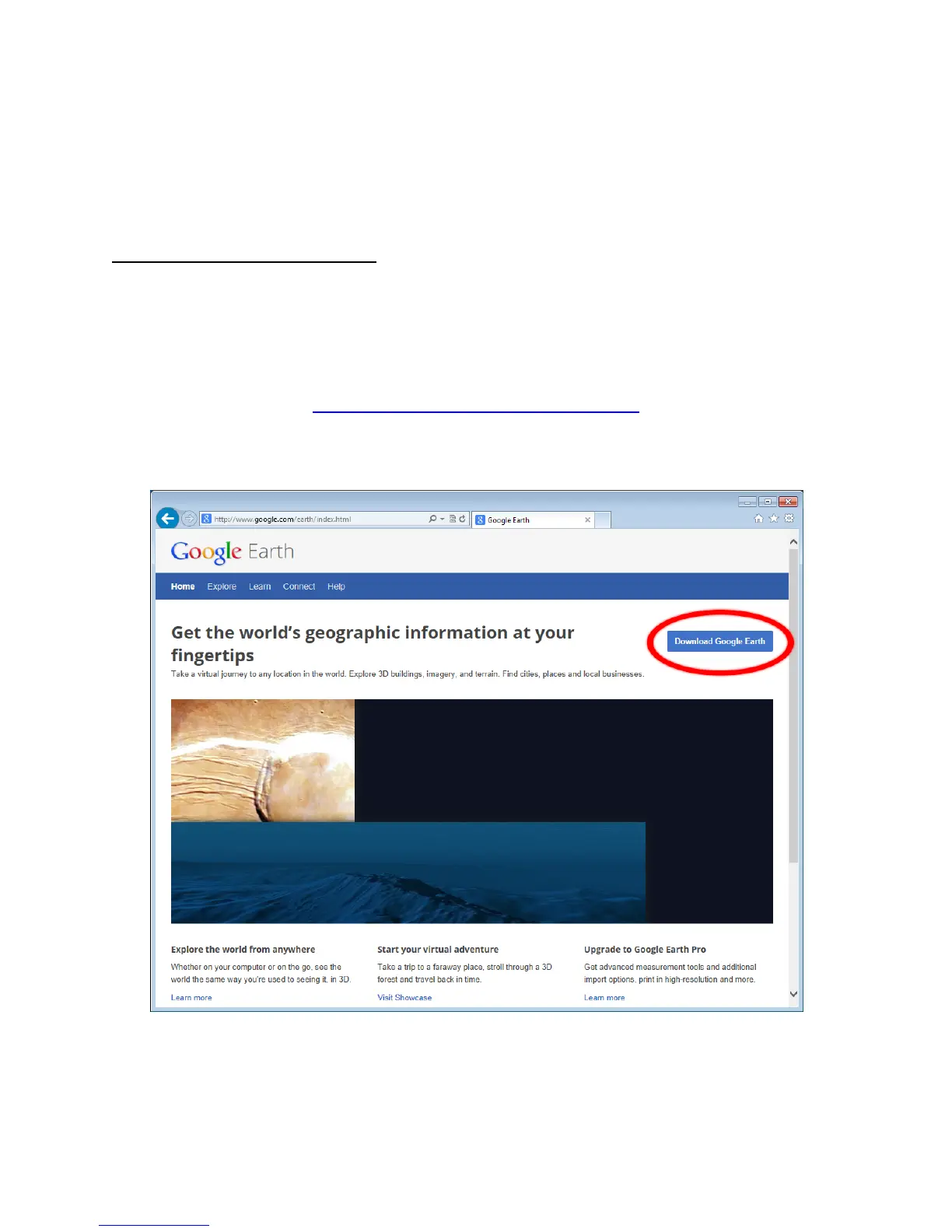
Google Earth is free to download and install, and you can find it at the following URL:
http://www.google.com/earth/index.html
When you go to the website, there should be a button saying Download Google Earth
The website may try and include Google Chrome with Google Earth, but this can be
disabled by simply unchecking the check boxes near the top of the page. To start the
download, click on Agree and Download.


 To Next Page