EasyManua.ls Logo

Kinnarps Works GE - User Manual

Kinnarps Works GE
12 pages
Print Icon
To Next Page IconTo Next Page
Loading...
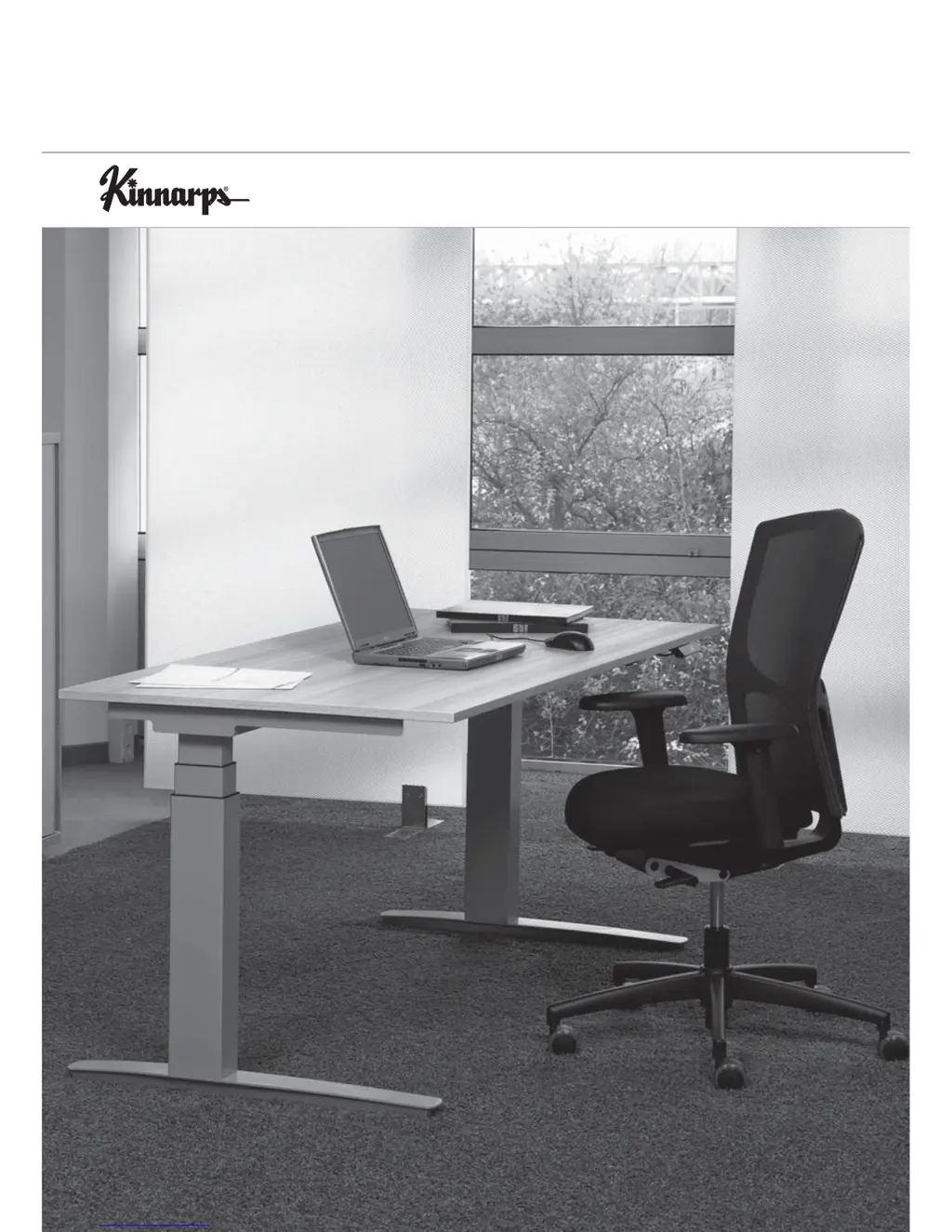
Height-adjustable with electro-motor
Information for the user WORKS GE

Questions and Answers

  • J
    Jacqueline TaylorAug 1, 2025
    What to do if Kinnarps Works GE Indoor Furnishing drive doesn't function?
    • T
      Thomas WeberAug 1, 2025
      If the drive of your Kinnarps Indoor Furnishing isn't working, there could be several reasons. First, ensure the power supply is properly plugged in. Check if the plug on the switching panel is disconnected and connect it if necessary. Also, verify that you have not exceeded the maximum load; if so, reduce or remove some of the load. If these steps don't resolve the issue, it may be due to a drive or control failure, or a malfunctioning switching panel, in which case you should request after-sales service.
  • L
    Linda RuizAug 15, 2025
    Why does my Kinnarps Works GE Indoor Furnishing show error messages on the 'Komfort' switching panel display?
    • D
      Daniel Brown MDAug 15, 2025
      Error messages on the 'Komfort' switching panel of your Kinnarps Indoor Furnishing can occur due to various reasons. One possibility is that a value has been exceeded; in this case, wait until the 'HOT' indication disappears, and the table should continue to function. Other causes include current overload (reduce/remove load), a registered collision (remove cause), a disconnected cable to the motor (connect plug), or a disconnected external sensor/cable (check plugs). For internal errors or control failure, disconnect the power supply and request after-sales service. If there is a malfunction, disconnect the power supply, correct any external short-circuits, and check the cable to the motors before continuing use.

Summary

EG-Declaration of Conformity

Safety Notice

Ergonomics

Sitting Posture

Guidance on achieving a correct sitting posture with work tools and furniture.

Standing Posture

Guidelines for correct standing posture with recommended visual axis and table height adjustments.

Technical Information WORKS GE Basic

Technical Information WORKS GE Comfort

Initial Operation and Controls

Initial Operation; Starting Up

Instructions for the initial setup and reset procedure for the table.

Controls Overview

Overview of the standard and 'Komfort' switching panel functions and operation.

Operational Controls Details

Storing a Position

Instructions on how to save preferred table heights using memory functions.

Recalling a Position

Guide on retrieving saved table heights from memory.

Correcting Displayed Height

Procedure to calibrate the displayed table height against the actual height.

Troubleshooting Guide

Accessories, Cleaning, and Service

Accessories

Information on optional accessories for cable management and other fittings.

Cleaning Instructions

Guidelines for cleaning the table surfaces and components.

After-Sales Service

Details on deliveries, installation, instruction, repair, and obtaining spare parts.

Kinnarps Works GE Specifications

General IconGeneral
Weight CapacityUp to 150 kg
Height AdjustableYes
Warranty5 years
ArmrestsYes, adjustable
Seat Depth AdjustmentYes
Backrest Height AdjustmentYes
Lumbar SupportYes, adjustable
MaterialFabric, Mesh
ColorVarious colors available
Tilt MechanismYes
CertificationsEN 1335

Related product manuals