®/™ © 2015 KitchenAid. All rights reserved. Used under license in Canada.KCM0801
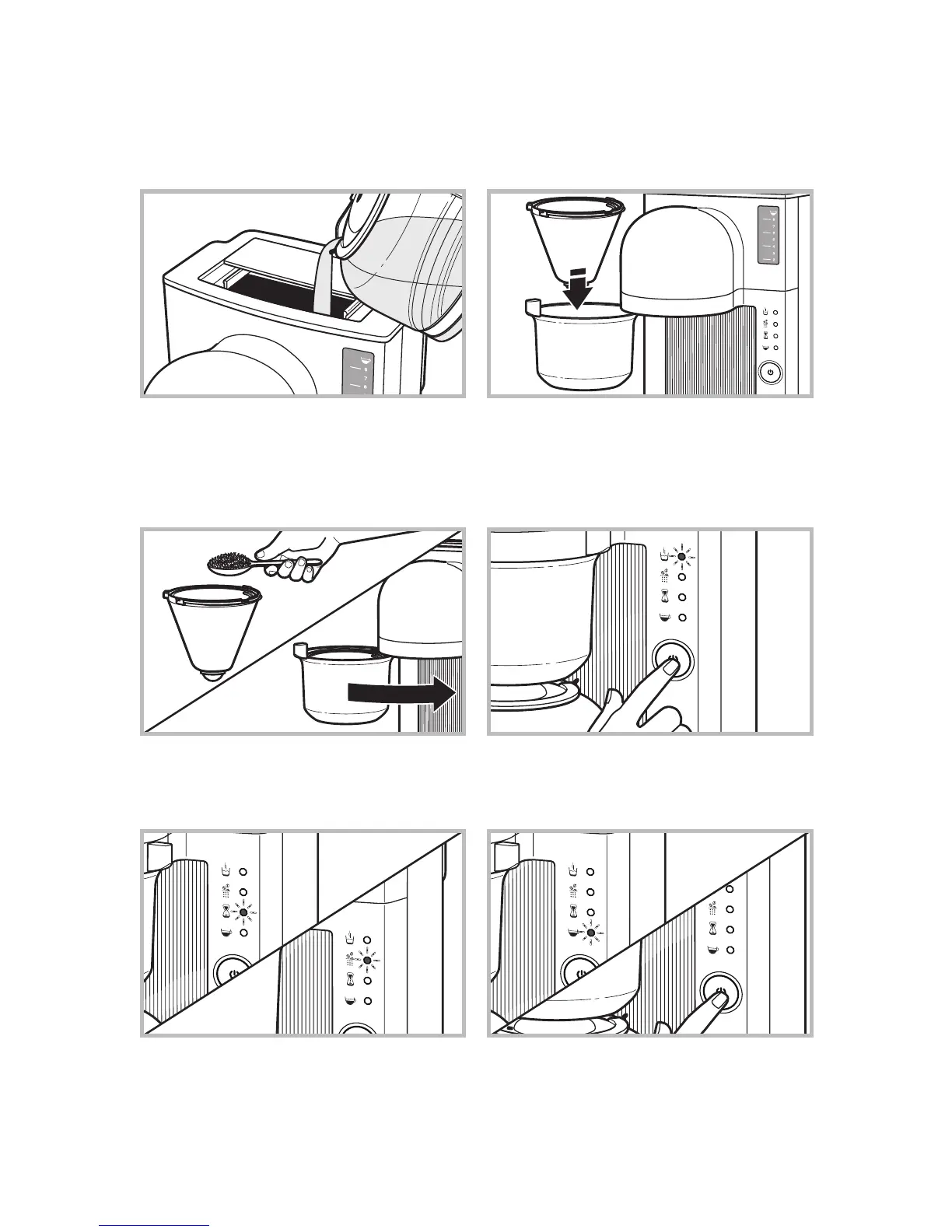
2.
Place a #4 paper coffee filter in the brew basket,
and press the paper filter in to the sides of the
brew basket.
3.
Using the dosage recommendation in the
“Instructions” manual, fill the paper filter with
the desired amount of ground coffee. Then
close the brew basket door.
4.
Press the BREW button. The Heating indicator
will light up while the Coffee Brewer heats all
the water at the beginning of the cycle, taking
approximately 6 minutes for 8 cups of coffee.
1. Slide the water tank lid back; fill the tank with
fresh, filtered water to the desired cup level.
Because of the design of this Coffee Brewer,
it may take a moment for the water to enter
the place in the tank where you can view the
water level. Close the water tank lid.
6.
When the cycle is complete, the Enjoy
indicator will light up and 3 beeps will sound.
The Warming plate will keep the coffee at
optimum temperature for 1 hour after brewing.
To cancel the Warm cycle at any time, press
the BREW button.
5.
After all the water is heated, the Coffee Brewer
alternately showers the grounds with water,
allowing the coffee to steep. This happens in
stages and you will see the Pouring and Steeping
indicators alternately light up during this segment
of the cycle.
GET BREWING
QUICK START GUIDE
In 6 quick steps you’ll be on your way to enjoying a perfect cup of coffee at home!
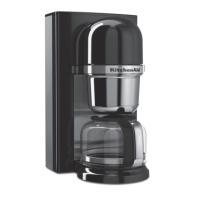
To prepare the Pour Over Coffee Brewer for brewing, refer to your “Instructions” manual.









 To Next Page