EasyManua.ls Logo

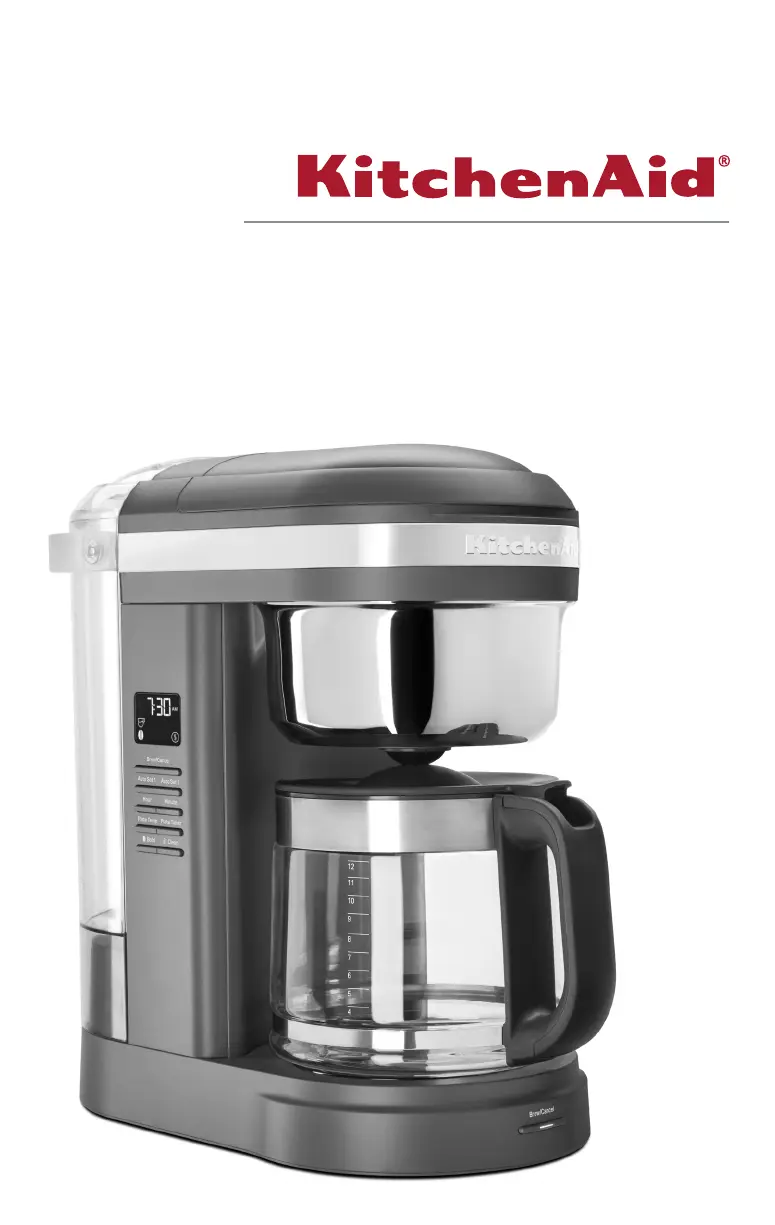
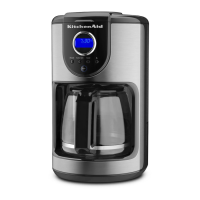
KitchenAid KCM1209 - User Manual

KitchenAid KCM1209
48 pages
Print Icon
To Next Page IconTo Next Page
Loading...
KCM1209
W11299037A_V2_Final.indb 1 18/10/2018 11:10:33

Other manuals for KitchenAid KCM1209

Questions and Answers

  • T
    Tyler HicksJul 28, 2025
    How to fix a KitchenAid KCM1209 with a display that is not illuminated?
    • E
      Erica FowlerJul 28, 2025
      If the display of your KitchenAid Coffee Maker is not illuminated, check if the appliance is plugged into a grounded 3-prong outlet. If it is, inspect the fuse or circuit breaker on the electrical circuit to which the Coffee Maker is connected and ensure the circuit is closed.
  • M
    mcdonaldjosephAug 2, 2025
    Why does my KitchenAid Coffee Maker only brew a portion of the water I add?
    • D
      daychristinaAug 3, 2025
      If your KitchenAid Coffee Maker only brews a portion of the water added, it requires immediate descaling. Please refer to the “Care and Cleaning” section.
  • A
    Amy SkinnerAug 9, 2025
    What to do if “Er1” flashes on the display of my KitchenAid KCM1209 Coffee Maker?
    • A
      angela10Aug 9, 2025
      If “Er1” flashes on the display and you hear 1 tone, a button may be jammed. Unplug the Coffee Maker and press each button several times. Then, plug the Coffee Maker back in. If “Er1” appears again, repeat this procedure.
  • L
    Lisa AdamsAug 15, 2025
    Why does coffee overflow the brew basket in my KitchenAid KCM1209?
    • B
      bryancollinsAug 15, 2025
      Coffee may overflow the brew basket of your KitchenAid Coffee Maker because the brew basket is not correctly in place. Refer to the “Assembly Of Brew Basket” section to ensure correct placement. Another reason could be that too much coffee ground was placed into the brew basket, or you used both the Gold Tone Filter and Paper Filter together.
  • A
    Amanda KingAug 20, 2025
    What does it mean if I hear 3 rapid tones from my KitchenAid Coffee Maker?
    • M
      mendezbrittneyAug 20, 2025
      If you hear 3 rapid tones from your KitchenAid Coffee Maker, there is no water in the water tank. See the “Filling water for brewing” section for instructions.

Summary

Parts and Features

Parts and Accessories Overview

Identifies all components of the coffee maker, including the brew basket, carafe, and water tank.

Control Panel and Display Features

Explains the programmable display and control panel buttons like Clock, Brew icon, and Auto icons.

Coffee Maker Safety

Important Safety Safeguards

Lists essential safety precautions for using the appliance, such as handling hot surfaces and unplugging.

Electrical Requirements and Warnings

Details electrical specifications and safety warnings related to grounding, adapters, and extension cords.

Using the Coffee Maker

Setting the Clock and Brew Strength

Guides on setting the current time and selecting between regular and bold brew strengths.

Filling Water and Assembling Brew Basket

Instructions on filling the water tank and assembling the brew basket with filters.

Auto Set 1 & 2 Programming

Details on programming preset times for automatic brewing twice a day.

Plate Temperature and Timer Settings

Instructions on adjusting the warming plate temperature and setting the timer.

Brewing Coffee and Keep Warm Mode

Step-by-step process for brewing coffee and its automatic keep warm function.

Pause and Pour Feature

Explains how to pour coffee mid-brew without stopping the cycle.

Tips for Great Coffee Results

Advice on fresh beans, proper grind, water purity, and cleanliness for optimal coffee.

Care and Cleaning

Cleaning Coffee Maker Components

Instructions for cleaning removable parts like the brew basket, carafe, and water tank.

Removing Mineral Deposits (Descaling)

Explains how to descale the coffee maker using vinegar or a descaling agent.

Troubleshooting Common Issues

Lists common problems and their solutions, such as display errors or overflowing.

Warranty and Service

KitchenAid Warranty Coverage

Outlines KitchenAid's warranty coverage, offering replacement or repair services.

Warranty Disclaimers

Legal disclaimers regarding implied warranties and limitations of liability.

Hassle-Free Replacement Process

Details the hassle-free replacement process for US, Puerto Rico, and Canada.

Arranging for Service and Parts

Provides contact information and procedures for obtaining service or parts after warranty.

KitchenAid KCM1209 Specifications

General IconGeneral
Jug capacity1.76 L
Product typeDrip coffee maker
Built-in grinderNo
Capacity in cups12 cups
Coffee input typeGround coffee
Coffee maker typeFully-auto
Appliance placementCountertop
Adjustable coffee strengthYes
Reservoir for brewed coffeeJug
Color nameMatte Charcoal Grey
Control typeButtons
Product colorGray
Reservoir for brewed coffee materialGlass
AC input frequency60 Hz

Related product manuals