6
3
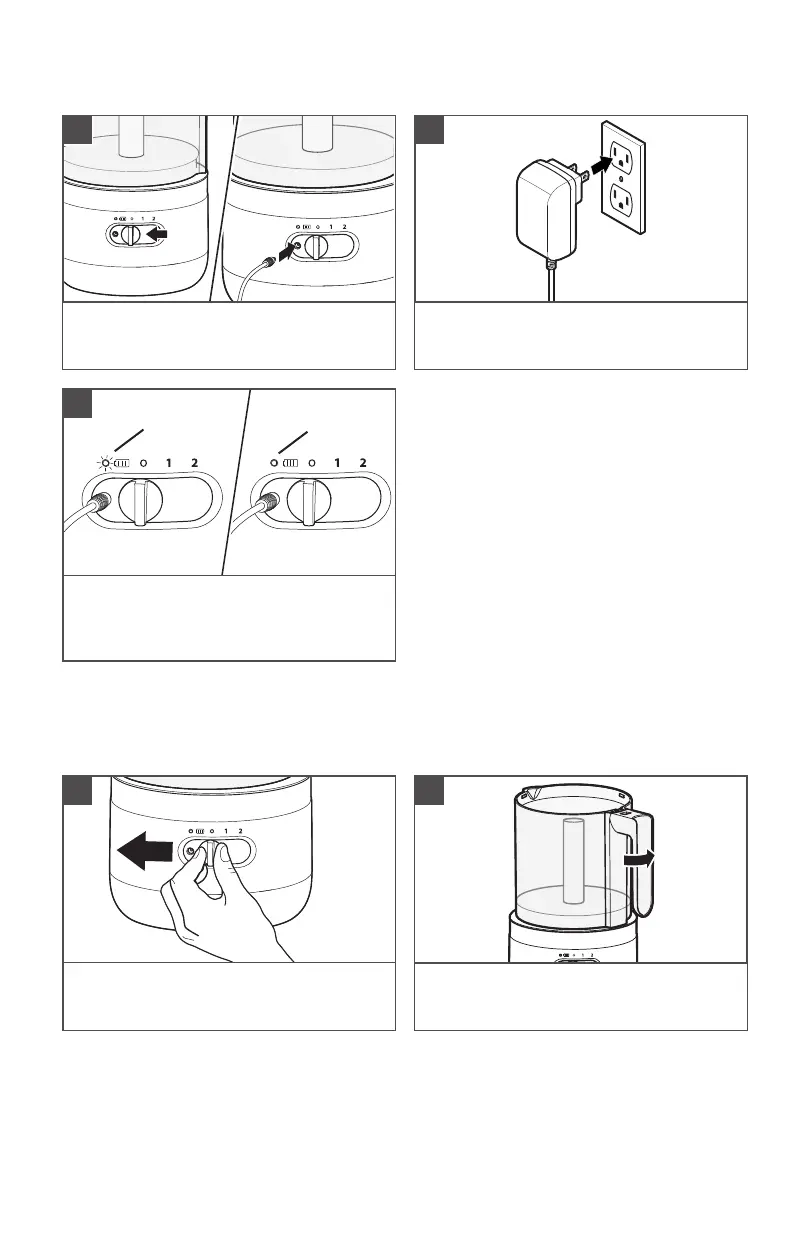
The battery status indicator pulses when it
charges. It will be fully charged in 2 hours
and the Battery status indicator turns solid
green.
Solid
Green
Pulsing
PRODUCT USAGE
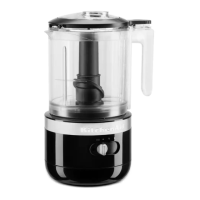
IMPORTANT: Make sure the Cordless Food Chopper is charged before using.
Make sure that the Speed controller is
at "O" position before attaching or
removing any parts.
1
Hold the Handle facing front on the Base.
Twist and lock the Bowl in the slots of the
Base.
2
1
First, slide the Speed controller to "O".
Then, insert the Charger adapter pin into
the Charging port.
Plug the Charger adapter into a grounded
electrical outlet.
2
BATTERY CHARGING



 To Next Page