Custom panel dimensions
IMPORTANT:You need to know what control panel is on
your dishwasher before you order your custom door panel.
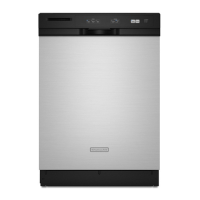
For dishwashers with the control panel shown below:
(models KUDS03FTPA and KUDU03FTPA)
(Your model may vary slightly from picture above.)
Custom door panel dimensions are:
Follow directions under Option #1 of “Install custom panel”
section.
3/4" (19.1 mm)
12
*This dimension is for 4" (10.2 cm) toe kick. If the installation needs a higher toe
kick, adjust the height of the wood panel accordingly. Not recommended for
toe kicks greater than 6" (15.2 cm).
23-1/2" (59.7 cm)
*30-3/16" (76.7 cm)
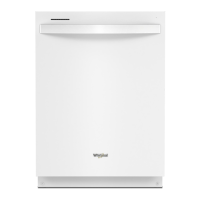
For dishwashers with the control panel shown below:
(Models KUDC03IT, KUDK03IT and KUDL03IT)
(Your model may vary slightly from picture above.)
Custom door panel dimensions are:
Follow directions in Option #2 of “Install custom panel”
section.
23-3/8" (59.4 cm)
*25-29/32" (65.8 cm)
3/4" (19.1
mm)
1/8" (3.2 mm)
1/8" (3.2 mm)
*This dimension is for 4" (10.2 cm) toe kick. If the installation needs a higher toe
kick, adjust the height of the wood panel accordingly. Not recommended for
toe kicks greater than 6" (15.2 cm).
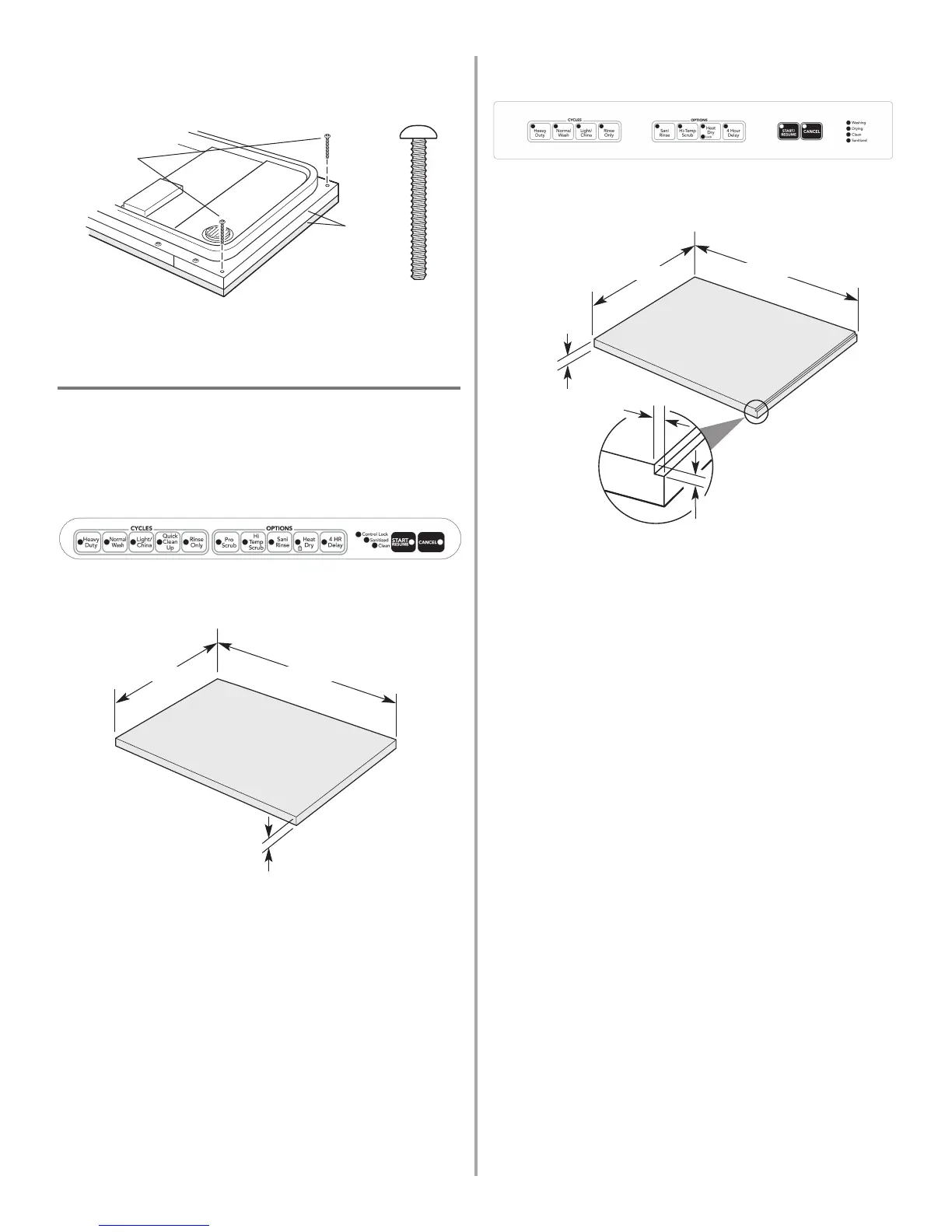
9. Install the two #8-18 x 1-3/8" screws from the literature
package in the top corners, as shown. Align top edges of
full front panel and console; tighten corner screws.
10. Tighten the two side screws reinstalled in Step 8.
11. Reinstall and tighten the three remaining side screws.
2 screws
1-3/8"screw
align top
edges




 To Next Page