19
Fahrenheit/Celsius
To set your oven to cook in Celsius instead
of Fahrenheit:
1. Open the door.
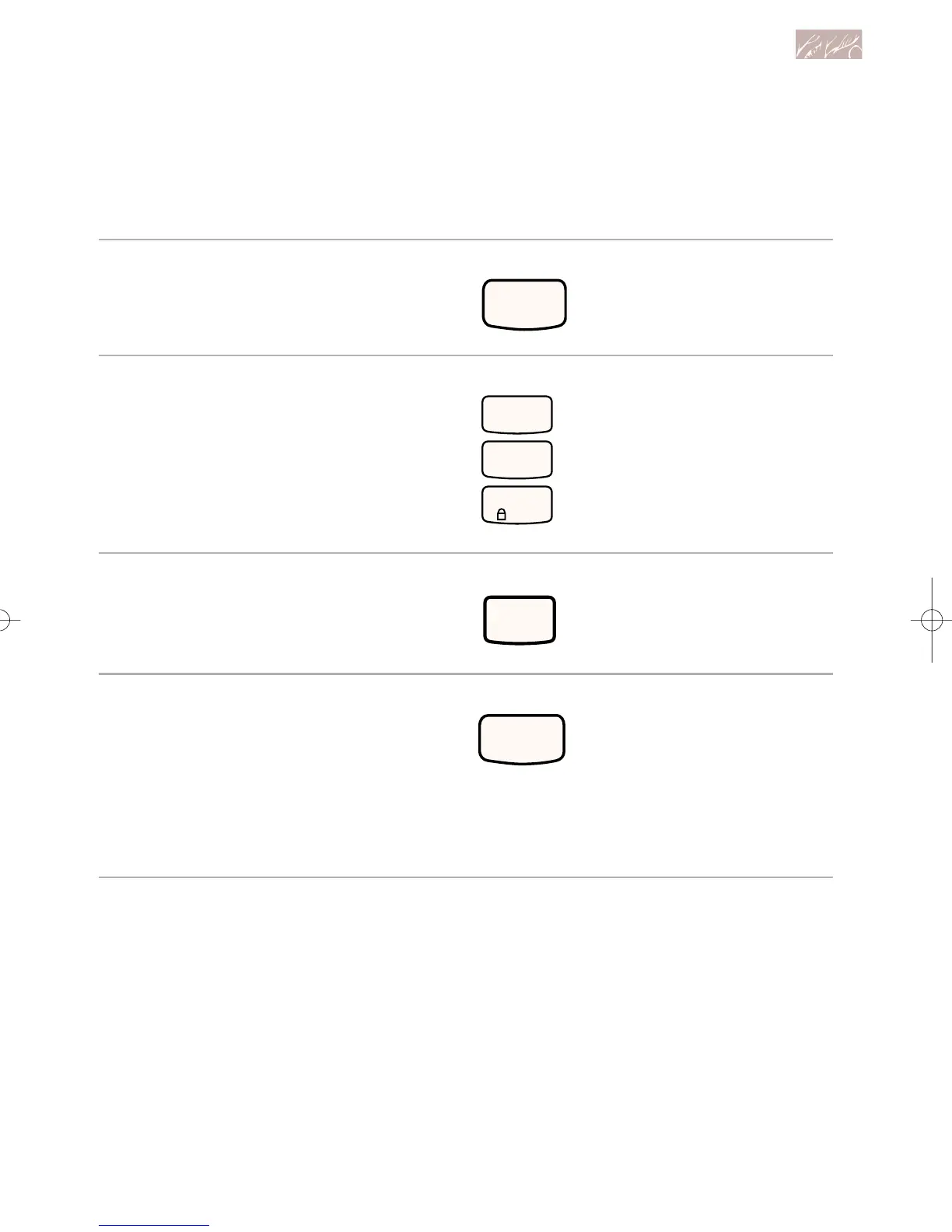
2. Press CANCEL/OFF.
3. Press the Number Pads 1, 2,
and 3, in that order.
4. Press BROIL.
5. Start oven.
NOTES:
• Press BAKE to confirm that you are
using Celsius.
• Only the temperature and a flashing
degree symbol will appear in the tem-
perature display area when you set
your oven to cook in Celsius.
Repeat the steps above to change
from Celsius to Fahrenheit.
Using and Caring for Your Oven
PRESS
PRESS
PRESS
PRESS
9753620Av03c72 7/1/99 11:42 AM Page 19



 To Next Page