24
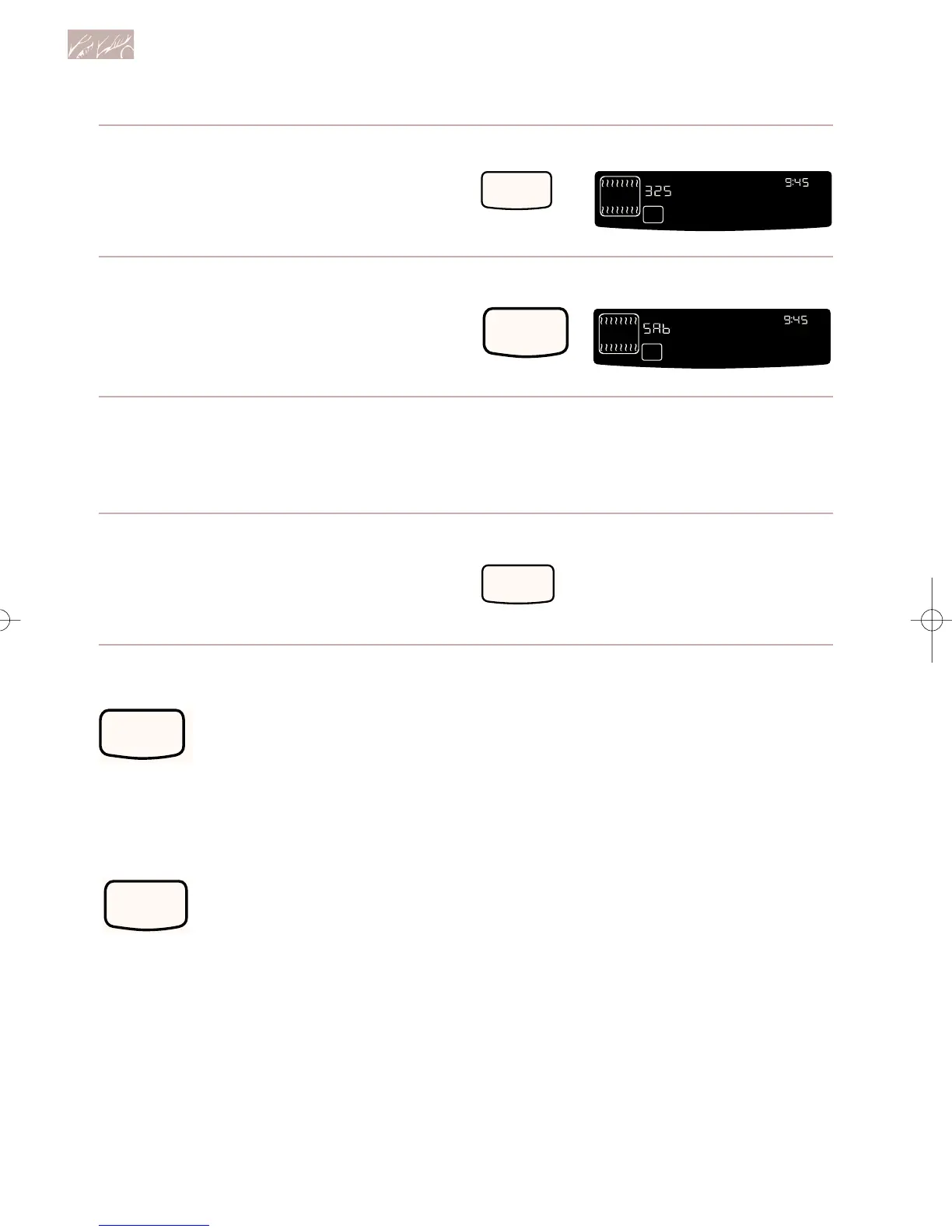
6. Press and hold Number Pad 6
for 5 seconds.
“START?” appears on the display.
7. Press START.
“SAb” appears on the display.
To end the Sabbath mode and
turn off the oven:
1. Open the door.
2. Press and hold Number Pad 6
for 5 seconds.
PRESS YOU SEE
PRESS YOU SEE
PRESS
Using and Caring for Your Oven
NIGHT LIGHT
DELAY
SET
RAISING
BREAD
O
F
DEHYDRATE
COOK TEMP
STANDARDENTER
TIME
START
START
LOCK
?
CONTROL
AT
ON
NIGHT LIGHT
DELAY
SET
RAISING
BREAD
DEHYDRATE
COOK TEMP
STANDARDENTER
TIME
START
LOCKCONTROL
AT
ON
Starting an operation
After programming a function, you must
press START to start the func-
tion. If you do not press START
within 5 seconds of program-
ming, “START?” will show on the display as
a reminder.
Canceling an operation
CANCEL/OFF will cancel any function,
except for the Clock Set/Start
and Timer functions. When you
press CANCEL/OFF, the large
display will show the time of day or, if Timer
is also being used, the time remaining.
In case of a power failure
Your oven will not work during a power fail-
ure. Do not try to relight the oven. Wait for
the power to come back on before using the
oven again.
9753620Av03c72 7/1/99 11:42 AM Page 24



 To Next Page