EasyManua.ls Logo

Kitchenarm KA8520 - Page 12

Kitchenarm KA8520
48 pages
Print Icon
To Next Page IconTo Next Page
To Previous Page IconTo Previous Page
Loading...
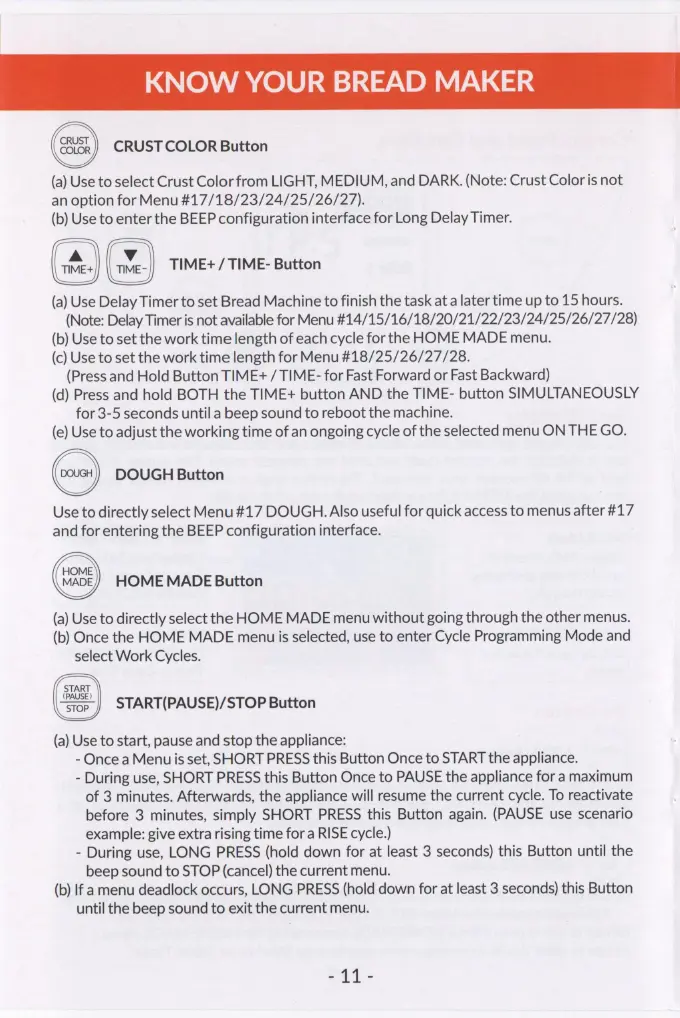
KNOW
YOUR
BREAD
MAKER
CRUST
COLOR
Button
(a)
Use
to
select
Crust
Color
from
LIGHT,
MEDIUM,
and
DARK.
(Note:
Crust
Color
is
not
an
option
for
Menu
#17/18/23/24/25/26/27).
(b)
Use
to
enter
the
BEEP
configuration
interface
for
Long
Delay
Timer.
TIME+
/
TIME-
Button
(a)
Use
Delay
Timer
to
set
Bread
Machine
to
finish
the
task
at
a
later
time
up
to
15
hours.
(Note:
Delay
Timer
is
not
available
for
Menu
#14/15/16/18/20/21/22/23/24/25/26/27/28)
(b)
Use
to
set
the
work
time
length
of
each
cycle
for
the
HOME
MADE
menu.
(c)
Use
to
set
the
work
time
length
for
Menu
#18/25/26/27/28.
(Press
and
Hold
Button
TIME+
/
TIME-
for
Fast
Forward
or
Fast
Backward)
(d)
Press
and
hold
BOTH
the
TIME+
button
AND
the
TIME-
button
SIMULTANEOUSLY
for
3-5
seconds
until
a
beep
sound
to
reboot
the
machine.
(e)
Use
to
adjust
the
working
time
of
an
ongoing
cycle
of
the
selected
menu
ON
THE
GO.
DOUGH
Button
Use
to
directly
select
Menu#17
DOUGH.
Also
useful
for
quick
access
to
menus
after
#17
and
for
entering
the
BEEP
configuration
interface.
HOME
MADE
Button
(a)
Use
to
directly
select
the
HOME
MADE
menu
without
going
through
the
other
menus.
(b)
Once
the
HOME
MADE
menu
is
selected,
use
to
enter
Cycle
Programming
Mode
and
select
Work
Cycles.
START
(PAUSE)
stop
|
START(PAUSE)/STOP
Button
(a)
Use
to
start,
pause
and
stop
the
appliance:
-
Once
a
Menuis
set,
SHORT
PRESS
this
Button
Once
to
START
the
appliance.
-
During
use,
SHORT
PRESS
this
Button
Once
to
PAUSE
the
appliance
for
a
maximum
of
3
minutes.
Afterwards,
the
appliance
will
resume
the
current
cycle.
To
reactivate
before
3
minutes,
simply
SHORT
PRESS
this
Button
again.
(PAUSE
use
scenario
example:
give
extra
rising
time
for
a
RISE
cycle.)
-
During
use,
LONG
PRESS
(hold
down
for
at
least
3
seconds)
this
Button
until
the
beep
sound
to
STOP
(cancel)
the
current
menu.
(b)
If
a
menu
deadlock
occurs,
LONG
PRESS
(hold
down
for
at
least
3
seconds)
this
Button
until
the
beep
sound
to
exit
the
current
menu.
ai
-