8 9
Using the speaker
Wireless
• (Vol+) Press and hold the + button
• (Vol–) Press and hold the – button
• (Play/Pause) Press the Play/Pause button
• (Next track) Press the Next Track button
• (Previous track) Press the Previous
Track button
Note: All of the above functions can also
be controlled on the device being used –
though this may not work on all devices.
Aux mode
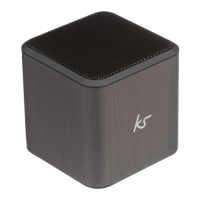
• Plug one end of the 3.5 mm cable into
the Cube’s line-in port
• Plug the other end of the 3.5 mm cable
into your device
• Switch the Cube on and the LED will be
solid blue
• On your connected device, play your
music/videos and the audio will play
through the Cube
[continued...]


 To Next Page