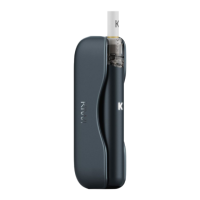
Insert the Pen into the Powerbank, ensuring a
good contact. Verify that the power indicator is
illuminated and that the current battery level
indicator lights up.
0-25% power: 1 LED lights up.
26-50% power: 2 LEDs light up.
51-75% power: 3 LEDs light up.
76-100% power: 4 LEDs light up.
When the Pen is fully charged, the power
indicator turns o.
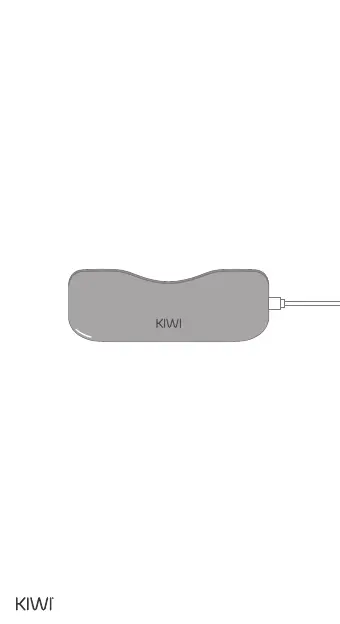
Connect the USB-C cable to the USB-C port
located at the bottom of the Powerbank.
Connect the other end of the cable to another
device, ensuring a good contact. Verify that the
power indicator is illuminated and that the
current battery level indicator is lighting up.
0-25% power: 1 LED lights up.
26-50% power: 2 LEDs light up.
51-75% power: 3 LEDs light up.
76-100% power: 4 LEDs light up.
When the device is fully charged, all LEDs will
remain lit for 3 seconds, and then the indicator
will turn o.
THE POWERBANK CHARGES OTHER
DEVICES VIA USB-C
10


 To Next Page
 Loading...