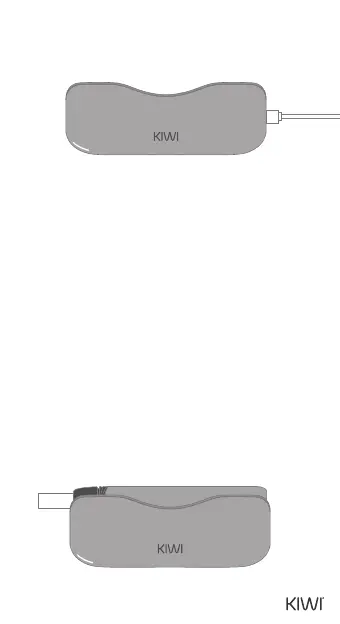
CHARGING THE POWERBANK WITH THE
USB-C CABLE
INSTRUCTIONS FOR THE STATUS OF THE
POWERBANK - THE POWERBANK CHARGES
THE PEN
Insert the USB-C cable into the USB-C port
located at the bottom of the Powerbank. The
power indicator will illuminate, indicating that
the device is receiving power.
0-25% power: The rst LED ashes.
26-50% power: The rst LED is continuously on,
and the second LED ashes.
51-75% power: The rst and second LEDs are
continuously on, and the third LED ashes.
76-100% power: The rst, second, and third LEDs
are continuously on, and the fourth LED ashes.
100% power: All four LEDs will remain on for 3
seconds and then turn o.
09


 To Next Page