24
EN
Switching the device o and off [On/Off]
Note: When power switch was turned on, the replace is in standby status and
indicator
is on.
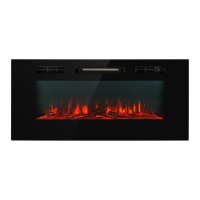
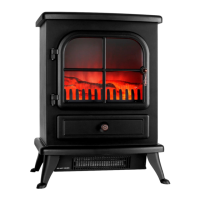
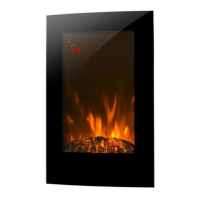
• Press the ON/Off button once, the ame is switched on at level 3 (high) and the
ame symbol lights up in the display.
• Press the ON/OFF key again, all functions are switched off and the device switches
to standby mode.
• Press and hold the ON/OFF button for 3 seconds to clear all settings.
Flame and Ambient Light[Flame]
The ame brightness can be adjusted in 3 steps. The display shows the corresponding
brightness as: [-1] > [-2] > [-3].
• Press the FLAME button once. The ame effect lights up at level 1 and the ame
symbol lights up in the display.
• Press the FLAME button twice. The ame effect lights up at level 2 and the ame
symbol lights up in the display.
• Press the FLAME button three times. The ame effect lights up at level 3 and the
ame symbol lights up in the display.
• Press and hold the Flame button for 2 seconds to turn on the ambient light. Then
press the FLAME button several times in succession to adjust the color of the ambient
light accordingly: Red > Yellow > Green > Purple > Blue > Pink > White.
• Press and hold this button again for 2 seconds to return to the ame brightness
settings.
Heating [Heat]
Note: The heating is inuenced by set timers or week timers. If you want to set the
heating manually, make sure that all timers are switched off.
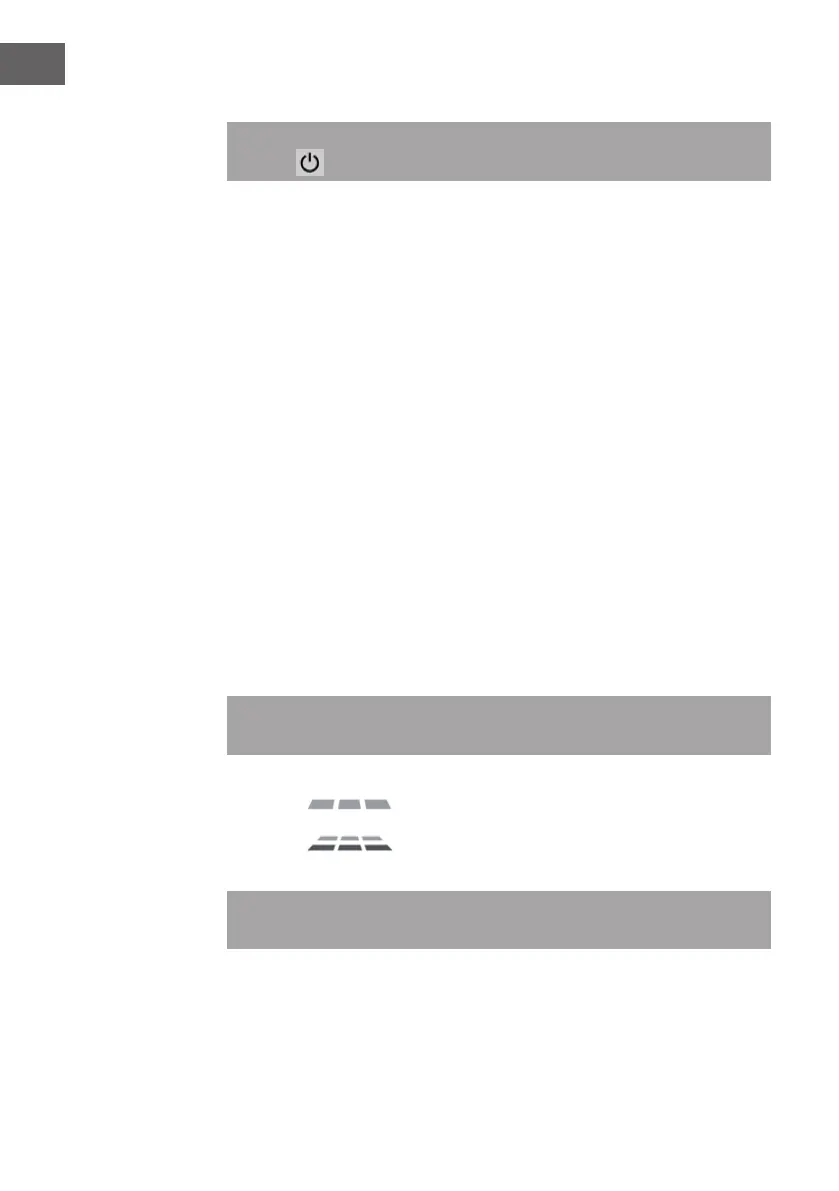
• Press the HEAT button once. The heating runs at 1000 W and the following display
ashes:
• Press the HEAT button twice. The heating runs at 2000 W and the following display
ashes:
• Press the HEAT button three times to turn off the heater.
The HEAT button is used in Adaptive Start, Timer and Weekly Timer modes to conrm
an entry (OK).


 To Next Page