13
EN
OPERATION
1. Power on
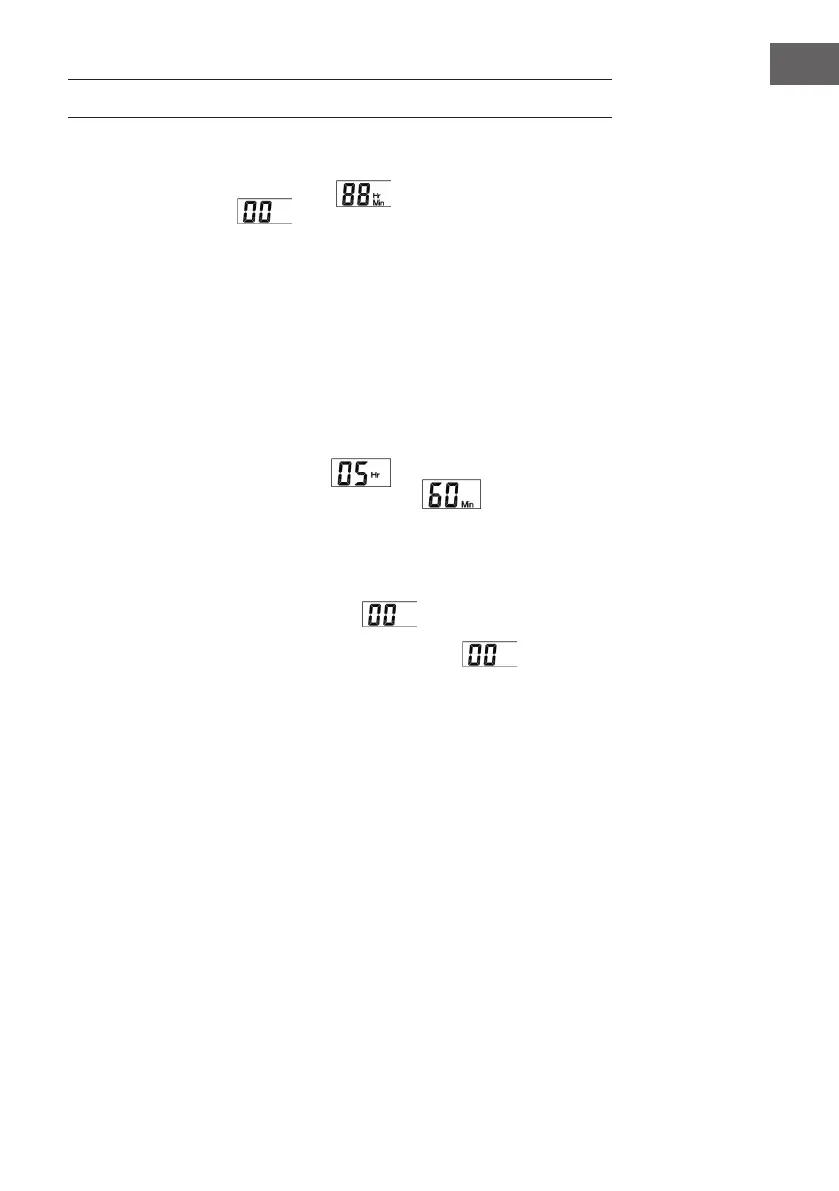
Plug the appliance with power supply, will show in LCD display and it will
be in standby after 1S .
2. Procedure setting and heating
Press Time key once, the time will be 1 hour more. Press Time for more than 1 S,
time gure will increase by hours continuously and stop after no pressing. The time
setting circle is 0-15 hours.
3. Start preparation process
After time setting, press Start/Stop key to start heating and count down gure will
show in LCD display.
For example: Time setting for 5 hours, shows in LCD and “Hr” keeps
winking; when count down gure is less then 1 hour, shows in LCD and
“Min” keeps winking.
4. End preparation process
(A) Stop heating automatically: When count down is over, appliance stops heating
automatically then in standby. Meanwhile, shows in LCD.
(B) Stop heating manually: When appliance is in heating situation, press Start/
Stop key and appliance is in standby directly. Meanwhile, shows in LCD.



 To Next Page