41
EN
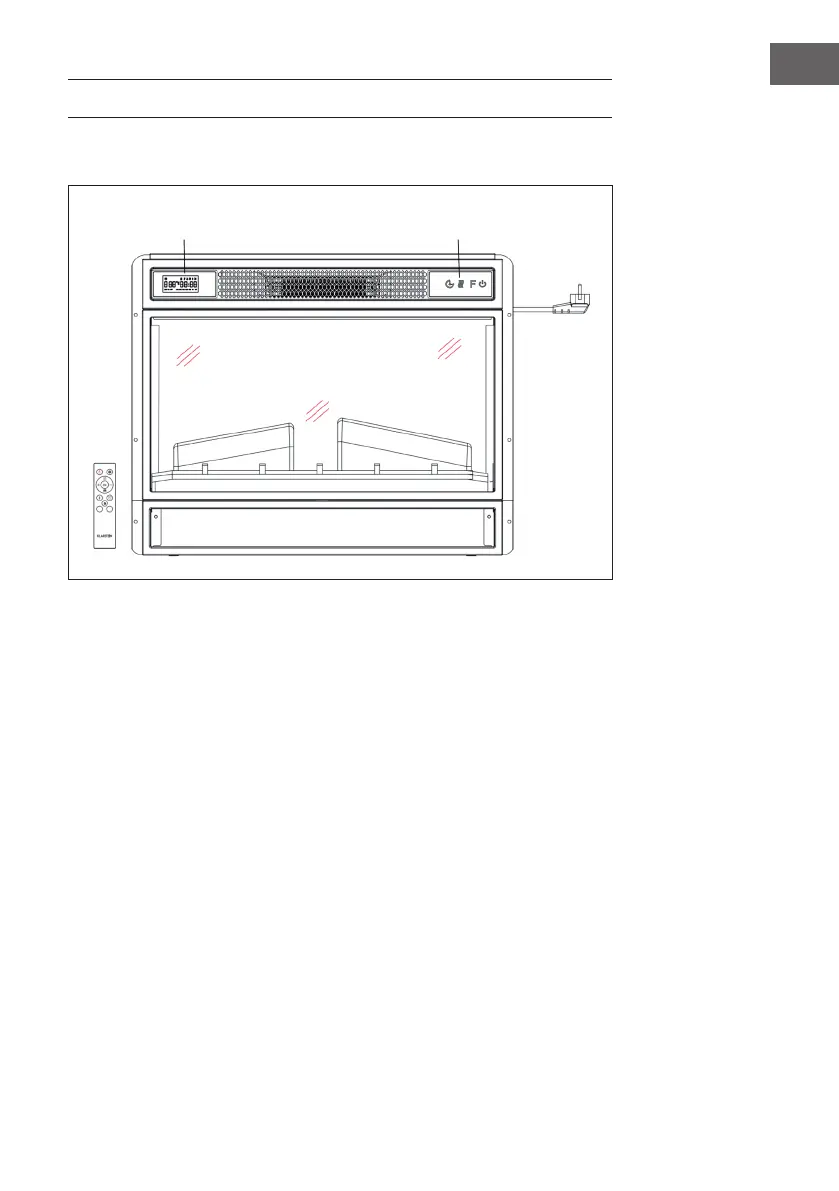
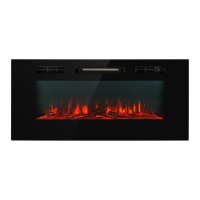
DEVICE OVERVIEW
Front view
Note:
• The device can be used with the supplied remote control as well as with the control
panel, which is located on the upper right side of the device.
• The unit has a power switch which regulates the power supply. The power switch
must be in the „On“ position to use the unit.
• The rst time you turn on the unit, you must set the time immediately. Otherwise, the
time will only be displayed as „00:00“ and the weekly timer will not be available.
Display Control panel


 To Next Page