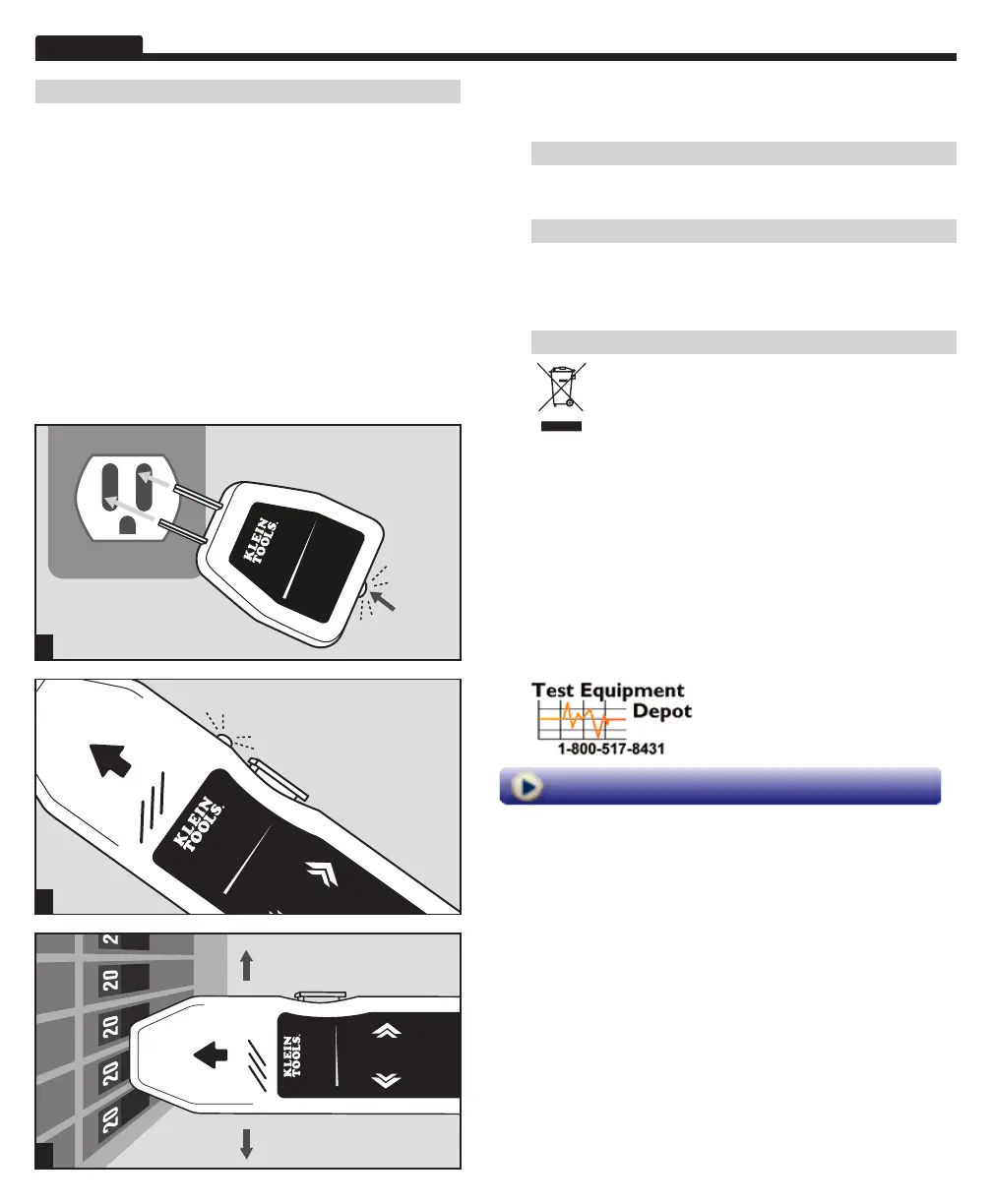
1. Identify the wall outlet or fixture for which the breaker must
be determined.
2
.
Safely c
heck that the outlet or fixture is live.
3.
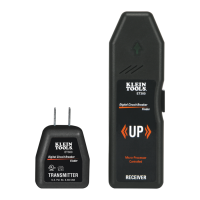
Plug in the tr
ansmitter. Its LED will light if it is receiving power.
4.
Mo
ve to the breaker panel with the receiver.
5.
T
urn on the receiver by pressing, but not holding, the power button.
You will hear a beep and see its LED lit.
6
.
Position the r
eceiver perpendicularly on the breakers in the panel
with the power button pointing up.
7
.
Slo
wly scan all breakers in the panel once. Ignore any beeps
or indications, as the receiver is learning the panel.
8
.
Scan all br
eakers a second time. This time, the receiver will beep
and illuminate the green arrow only at the correct breaker.
9.
Po
wer off the receiver by pressing and holding the power button.
Return to the outlet or fixture and remove the transmitter.
Clean the instrument by using a damp cloth. Do not use abrasive cleaners
or solvents.
Remove the batteries when instrument is not in use for a prolonged period of
time. Do not expose to high temperatures or humidity. After a period of storage in
extreme conditions exceeding the limits mentioned in the Specifications section,
allow the instrument to return to normal operating conditions before using it.
Do not place equipment and its accessories in the trash. Items must
be properly disposed of in accordance with local regulations.
Digi al Circu t Breaker
Finder
ET300
UP
Micro-Processor
Controlled
7
Digital Circuit Breaker
Finder
ET300
5
Digital Circu t Breaker
Finder
ET300
TRANSMITTER
Once plugged in, the LED
will light up when
socket is live
3
99
Washington Street
M
elrose, MA 02176
Phone 781-665-
1400
To
ll Free 1-800-517-8431
Visit us at www.TestEquipmentDepot.com


 To Previous Page
 Loading...