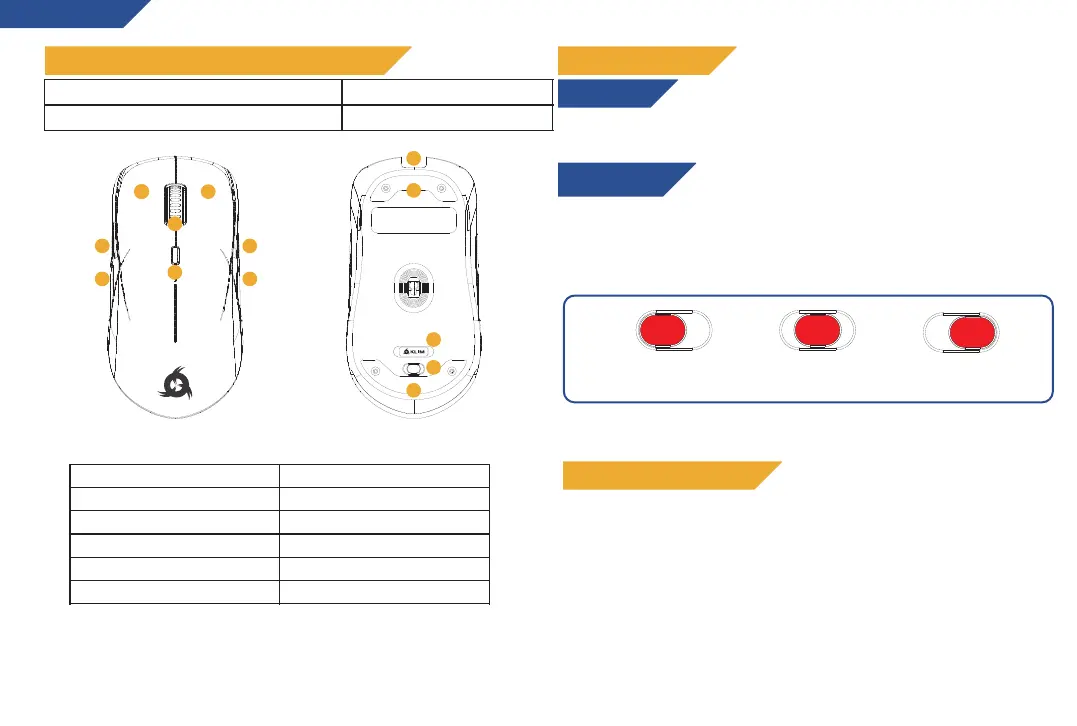
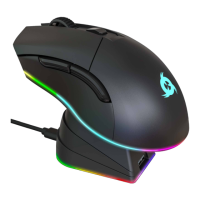
3. Scroll wheel (middle button)
2
QUICK START GUIDE
Wireless mode
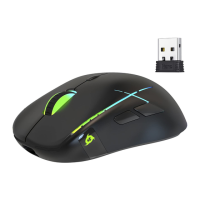
1. Take the USB receiver underneath the mouse and plug it to a USB
port in your computer
2. Flick the power switch under the mouse to one of the two ON
positions, as seen below.
PACKAGE CONTENTS AND PRODUCT DIAGRAM
ENGLISH
Connect the USB cable to the mouse’s USB-C port (11), and the other
end to a USB port on your computer.
Wired mode
9
On
(RGB Logo + Wheel)
On
(Full RGB)
Off
HINT: Remove the protective film from both sets of gliding pads
under the mouse (12)
Note: it is recommended to complete a full charging cycle before the
first use in wireless mode
CHARGING THE BATTERY
The light on the logo indicates the status of the battery:
Red light (flashing): low battery
Yellow light: charging
Green light : Full battery
When the mouse battery is low, connect the cable to your
computer or an external power source (such as a USB charger)
to charge your mouse. You may continue to use it while it
charges.
9
1
2
3
4
5
6
7
8
9
10
11
12
12


 To Next Page