2
ENGLISH
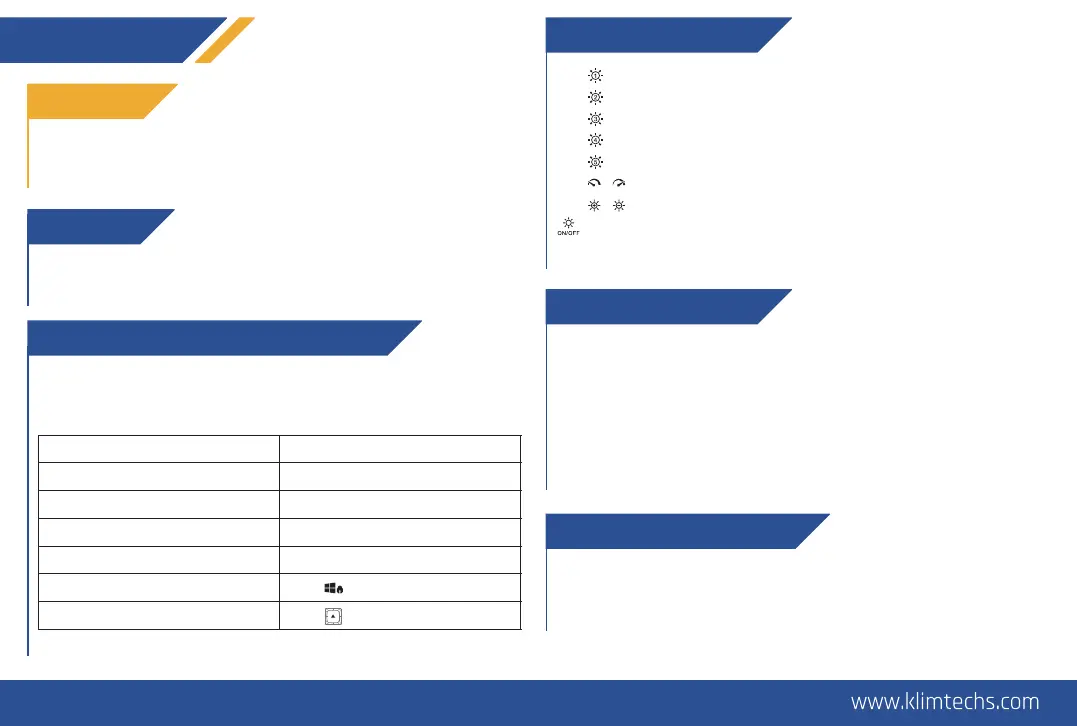
THE FUNCTION KEY + MULTIMEDIA SHORTCUTS
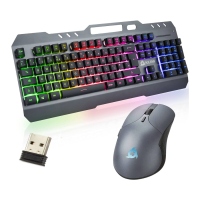
The KLIM Duo features a Function key (FN) which can be combined
with certain keys to change lighting effects or activate different
functions on your computer.
Take the USB receiver underneath the mouse and connect it to your
computer. Slide the switch under the keyboard to the ON position.
Slide the switch underneath the mouse to the ON position.
FIRST USE
THANK YOU!
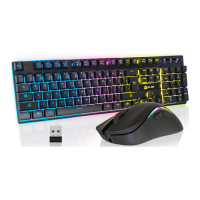
On behalf of the entire KLIM Team, we thank you for purchasing our
KLIM Duo Keyboard and Mouse Bundle. We hope it meets your
expectations and that you enjoy using these devices.
Keyboard: the battery indicator light at the top-right corner of the
keyboard flashes when the battery is low. Use the provided cable to
connect the keyboard to your computer or a USB charger.
Mouse: the light on the scroll wheel flashes when the mouse battery
is low. Connect the mouse to your computer or a USB charger using
the supplied charging cable.
NOTE: You may use the keyboard and mouse while they charge, but
the USB receiver must also be connected to your computer for them
to work.
CHARGING THE KEYBOARD
If you ever encounter any problems with the product, remember
that we remain at your disposal to help you with any issues. Do not
hesitate to contact us at support@klimtechnologies.com for
additional support.
TROUBLESHOOTING & CONTACT
BACKLIGHTING CONTROLS
FN + : RGB stream mode
FN + : Neon mode
FN + : Breathing lamp mode
FN + : Gradient mode
FN + : Single color mode (press repeatedly to change colors)
FN + / : Increase / decrease RGB effect speed.
FN + / : Increase / decrease RGB brightness.
: Turn the keyboard lights on or off
NOTE: Decreasing the brightness can prolong battery life. The lights
automatically turn off after 60 seconds of inactivity to save energy.
FN + : WASD - cursor swap
NOTE: some function shortcuts are not available on MacOS.


 To Next Page
 Loading...