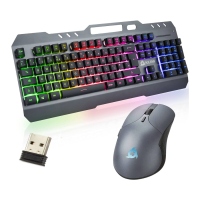
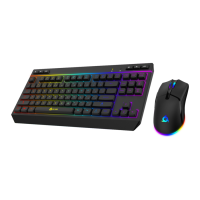
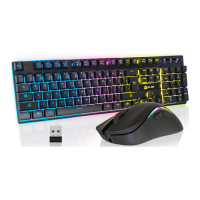
Need help?
Do you have a question about the KLIM Thunder and is the answer not in the manual?
Connect the USB receiver and turn on the keyboard and mouse.
Use FN key combinations for media, email, file explorer, and calculator.
Keyboard enters power saving mode after 2 minutes of inactivity.
Adjust lighting effects, brightness, and modes using FN key combinations.
Information on charging indicators for keyboard and mouse.
Devices can be used while charging if the receiver is connected.
Contact details for product assistance.
 General
| Brand | KLIM |
|---|---|
| Model | Thunder |
| Category | Computer Accessories |
| Language | English |

 To Next Page