21
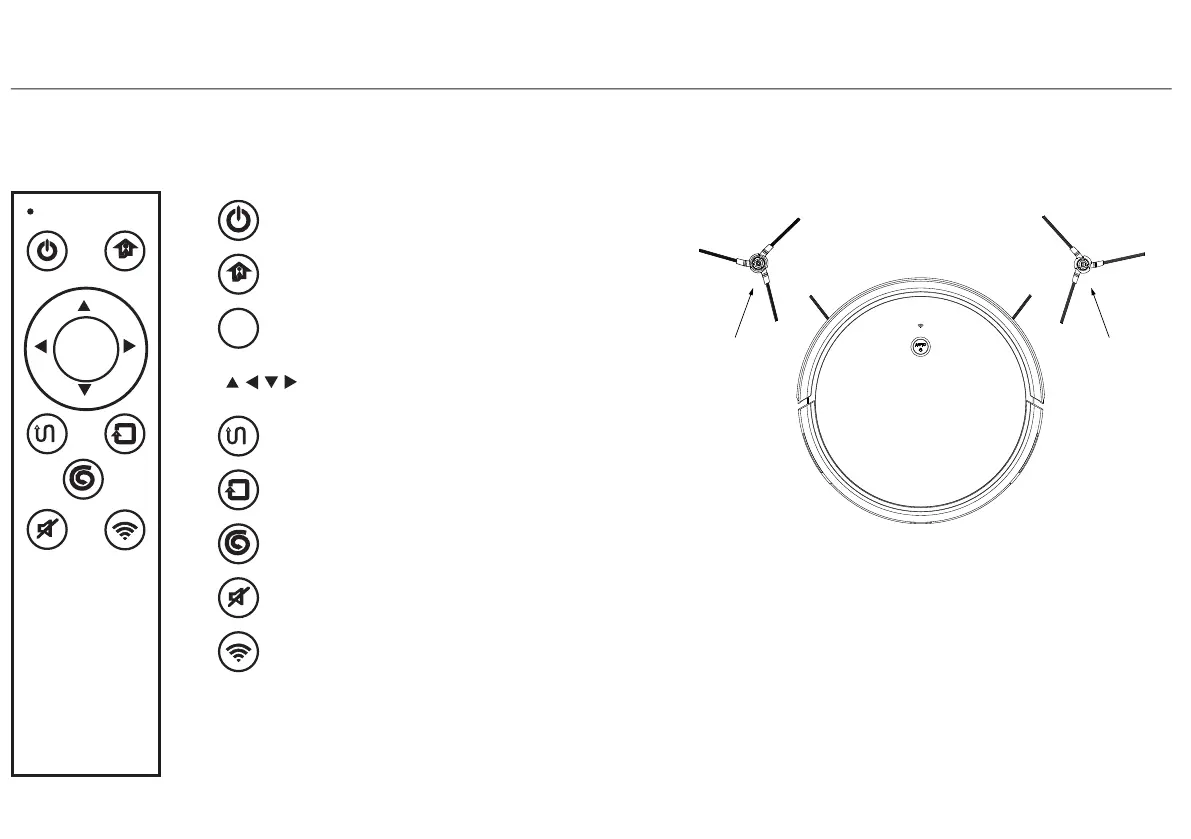
5、 start / pause automatic cleaning
6、 start / pause edge cleaning
9、 APP connect button
8、 turn/on the voice
7、 start / pause spot cleaning
SPOT
sleep/wake/stop
charge
OK
AUTO EDGE
MUTE WIFI
1、 stopped working, into hibernation
2、 auto trcharge
OK
3、 start / stop cleaning
4、 direction button
(use when the machine stopped)
return
Left Brush
central is
green
Right Brush
central is
red
Note:
1.Right and left side brush are not
interchangeable.
2.Please clean the brush after using.
3.Must base on above icon to change brush.
4.Assembly:directly pull brush out and
press in.
5.Please use carefully in the area with much
hair.
8.Remote Controller
4.Instruction for Use
9.Usage of Side Brushes
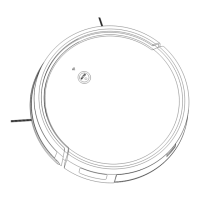
front view
4.4 Function Use


 To Next Page