EasyManua.ls Logo

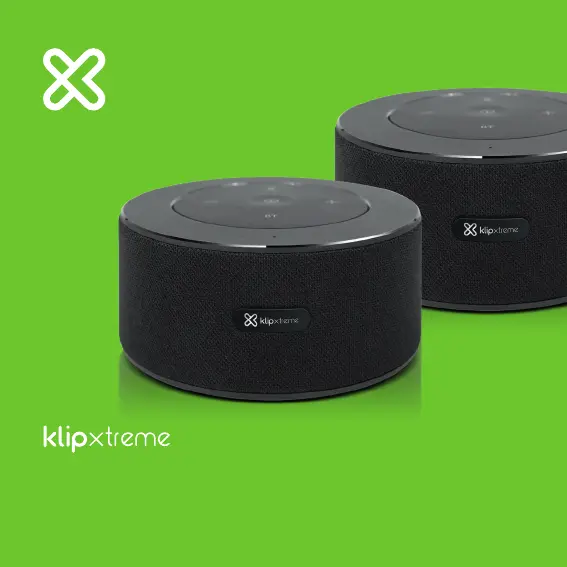
KlipXtreme Zound36O - User Manual

Default Icon
19 pages
Print Icon
To Next Page IconTo Next Page
Loading...
Zound36O
KWS-015

Questions and Answers

  • C
    Craig MorenoAug 11, 2025
    What to do if KlipXtreme Speakers unit will not power on?
    • B
      barnesmarcusAug 12, 2025
      If your KlipXtreme Speakers won't power on, the most likely reason is that the speaker needs to be charged. Ensure it is properly connected to a power source.
  • S
    smithcodyAug 18, 2025
    Why do my KlipXtreme Zound36O beep every few seconds?
    • S
      Stephanie RobertsonAug 18, 2025
      If you hear a tone from your KlipXtreme Speakers every few seconds, it means the speaker needs to be charged. Connect it to a power outlet as soon as possible.
  • S
    Sherry ZavalaAug 27, 2025
    What to do if KlipXtreme Zound36O Speakers sound is distorted?
    • R
      Robert LeAug 27, 2025
      If the sound from your KlipXtreme Speakers is distorted, try lowering the unit’s volume. This should help to reduce the distortion.
  • J
    Jonathan PorterSep 3, 2025
    Why can't I control volume on my KlipXtreme Zound36O?
    • S
      Stephanie MoodySep 3, 2025
      If you can't control the volume or tracks through your KlipXtreme Speakers, make sure the speaker is in Bluetooth® mode for full control. This should enable the control functions.

KlipXtreme Zound36O Specifications

General IconGeneral
BrandKlipXtreme
ModelZound36O
CategorySpeakers
LanguageEnglish

Related product manuals