EasyManua.ls Logo

Klutch 48520 - User Manual

Klutch 48520
12 pages
Print Icon
To Next Page IconTo Next Page
Loading...
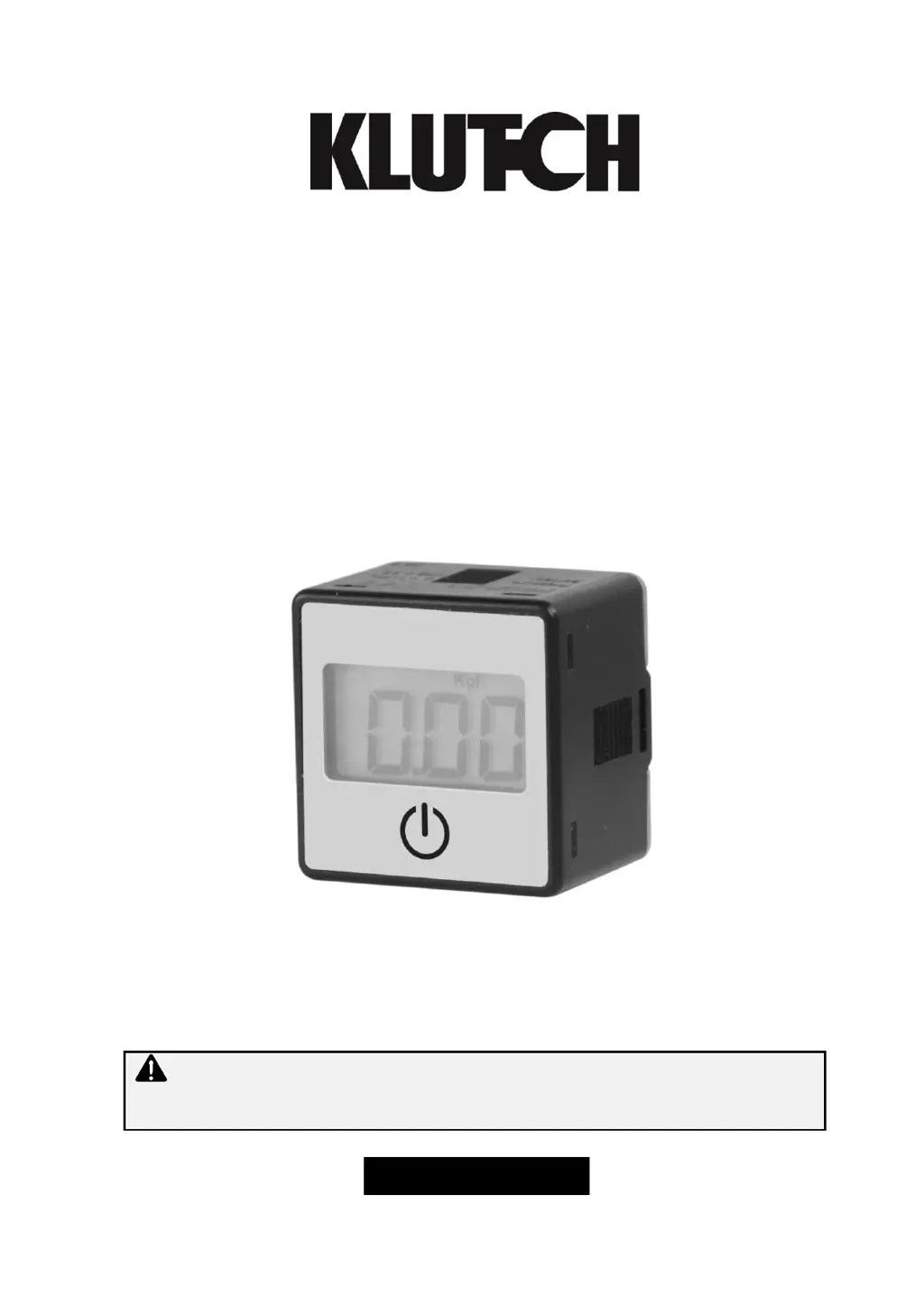
Digital Display Air Pressure Gauge
Owner’s Manual
WARNING: Read carefully and understand all ASSEMBLY AND OPERATION
INSTRUCTIONS before operating. Failure to follow the safety rules and other basic safety
precautions may result in serious personal injury.
Item #48520

Questions and Answers

  • C
    Cheyenne BrownAug 6, 2025
    What to do if the Klutch 48520 Monitor shows a battery error?
    • T
      Tamara SantosAug 6, 2025
      If the battery level of your Klutch Monitor falls below 2.40V, the battery symbol and 'bAE' will flash four times before the device enters power save mode. To resolve this, replace the battery.
  • A
    alexandria92Aug 16, 2025
    Why does my Klutch 48520 show an applied pressure error?
    • M
      Melinda JacksonAug 16, 2025
      If your Klutch Monitor displays an 'Applied Pressure Error', it means the supply pressure is too high. Correct this by using the regulator knob to adjust the pressure to stay within the specified operating range.
  • M
    Mrs. Ashley TylerAug 27, 2025
    How to fix residual pressure error on Klutch Monitor?
    • G
      Gregory KeyAug 27, 2025
      A 'Residual Pressure Error' on your Klutch Monitor indicates that the ambient pressure is outside the ±3% F. S. range during zero reset. To fix this, ensure the input pressure matches the ambient pressure, and then perform the zero reset again.

Summary

Technical Specifications

Important Safety Information

General Safety Warnings

Read and understand all instructions to prevent injury or damage.

California Proposition 65 Warning

Warning about chemicals known to cause cancer or reproductive harm.

Work Area and Personal Safety

Keep work area clean, use PPE, stay alert, dress properly.

Gauge Use and Care

Operational Advice

Use the gauge as designed, check for damage, store properly.

Specific Operation Warnings

Panel Description and Dimensions

Display Section Overview

Details about the display section and its components.

Unit Dimensions

Physical measurements of the pressure gauge.

Assembly Instructions

Operating Instructions

Power Saver Mode

How the gauge enters and operates in power saving mode.

Settings and Calibration

Procedures for setting pressure units and zero point.

Maintenance

Environment Care

Maintaining IP65 rating in adverse environments.

Battery Replacement

Troubleshooting

Parts Identification

Parts Diagram

Visual representation of product components.

Parts List

List of available parts with reference numbers.

Replacement Parts Information

Limited Warranty

Warranty Terms and Limitations

Exclusions, obligations, remedies, and liability limits.

Legal and Risk Information

Purchaser risks and governing law for the warranty.

Klutch 48520 Specifications

General IconGeneral
BrandKlutch
Model48520
CategoryMonitor
LanguageEnglish