Need help?
Do you have a question about the Koblenz 4816 R and is the answer not in the manual?
Provides solutions for common UPS problems like unlit LEDs, constant battery mode, or short backup times.
Lists technical details of the UPS, including model, capacity, voltage, and dimensions.
Guidelines for installing the UPS in a protected area with adequate airflow and temperature control.
Instructions for storing the UPS unit, including temperature limits and battery charging requirements.
Procedure for inspecting the UPS unit for damage upon receipt and before use.
Steps to connect the UPS to the AC power source for initial battery charging.
Guidance on connecting peripheral devices to the UPS battery backup outlets.
Details on how to turn the UPS on/off and its cold start capability.
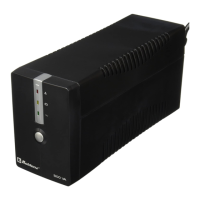
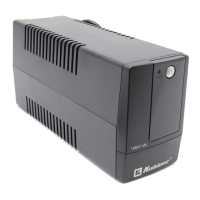
Identifies the front panel components, including the power switch and LED indicator.
 General
| Frequency | 60 Hz |
|---|---|
| Outlets | 6 |
| Output Voltage | 120 VAC |
| Input Voltage | 120 VAC |
| Backup Time | Varies by load |
| Communication Ports | USB |

 To Next Page