www.kodak.com/go/aiosupport 3
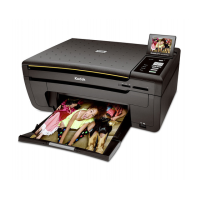
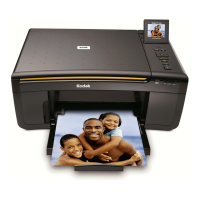
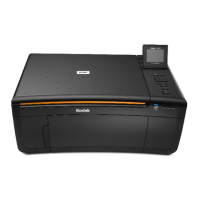
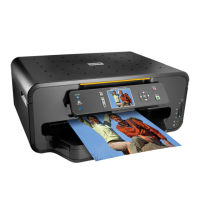
KODAK HERO 5.1 All-in-One Printer
Home Center Software
KODAK Home Center Software is installed with your KODAK All-in-One Printer
Software, unless you choose otherwise. The Home Center icon will appear on your
desktop.
NOTE: You can choose to install the KODAK AiO Printer Software Essentials, which
includes the drivers and Printer Tools only.
On a computer with WINDOWS Operating System (OS), you can use Home Center
Software to:
• browse, crop, enhance, and edit pictures
• print and scan
• make 3D pictures (from picture pairs taken to create 3D pictures)
• print from video
• send images to or print images from KODAK Gallery
• send images to or print images from FACEBOOK Social Network, FLICKR,
PHOTOBUCKET, PICASA, or SMILEBOX Photo Management Systems, and
GOOGLE Docs.
•configure your printer
• install new network printers
• upgrade to the latest printer software and firmware
• order supplies
• access the KODAK Tips and Projects Center
• access the KODAK Online Printer Management Tool
On a computer with MAC OS, you can use Home Center Software to:
•scan
•configure your printer
• upgrade to the latest printer software and firmware
• order supplies
• see the status of your printer
• access the KODAK Online Printer Management Tool






 To Next Page
