Working with pictures/videos
www.kodak.com/go/support
21
Copying pictures/videos
You can copy pictures/videos from a card to internal memory or from internal memory
to a card.
Copy pictures/videos:
1 Press the Review button.
2 Press the Menu button, then to highlight the Review tab.
3 Press to highlight Copy, then press OK. Highlight a choice, then press OK.
NOTE: Pictures/videos are copied, not moved. To remove pictures/videos from the original location after
copying, delete them (see page 15).
IMPORTANT:
Your camera offers a built-in Help system. See page 40.
Editing videos
You can do incredible things with your videos!
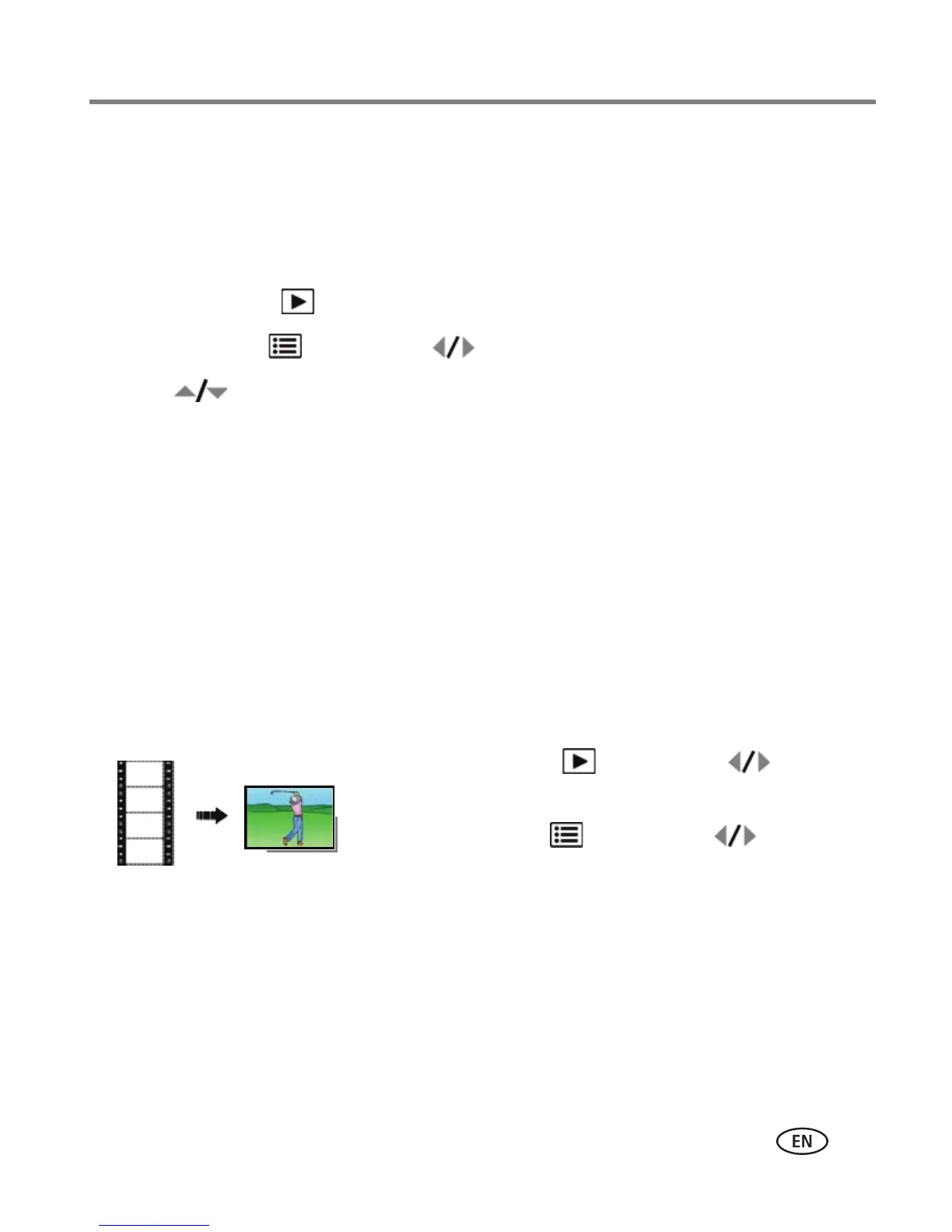
Making a picture from a video
You can choose a single frame from a video, then make a picture suitable for a
4 x 6-inch (10 x 15 cm) print.
1 Press the Review button, then to find a
video.
2 Press the Menu button, then to highlight
the Edit tab. Highlight Make Picture, then press OK.
3 Follow the screen prompts.
A picture is created. (The original video is saved.)
■ Press the Shutter button halfway down to return
to Capture mode.
IMPORTANT:
Your camera offers a built-in Help system. See page 40.













 To Next Page