Working with pictures/videos
www.kodak.com/go/m753support m853support md853support 17
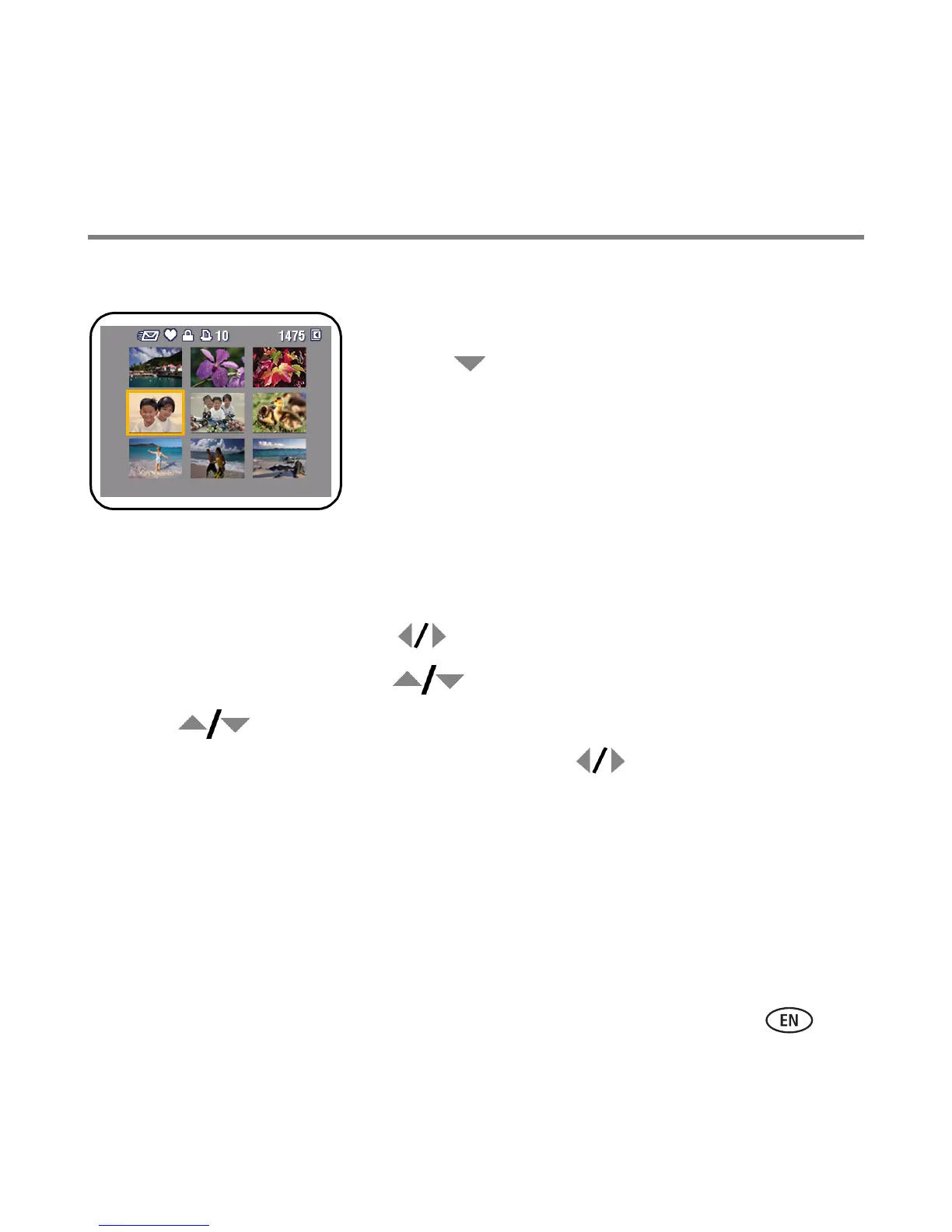
Viewing thumbnails (multi-up)
1 Press the Review button.
2 Press to change from single-picture view (Still
pictures only) to multi-up thumbnails.
3 Press OK to return to single-picture view.
Using Kodak Perfect Touch technology
Kodak Perfect Touch technology helps ensure better, brighter pictures.
1 Press the Review button, then for previous/next picture.
2 Press the Menu button. Press to highlight Edit Picture, then press OK.
3 Press to highlight Perfect Touch tech., then press OK.
The enhancement is previewed in a split screen. Press to view other parts of the
picture.
4 Press OK. Follow the screen prompts to replace the original picture or to save the
enhanced picture as a new one.
NOTE: You cannot enhance previously enhanced pictures.
■ Press the Menu button to exit the menu.


 To Next Page
 Loading...