Working with pictures/videos
18 www.kodak.com/go/easysharecenter
Editing videos
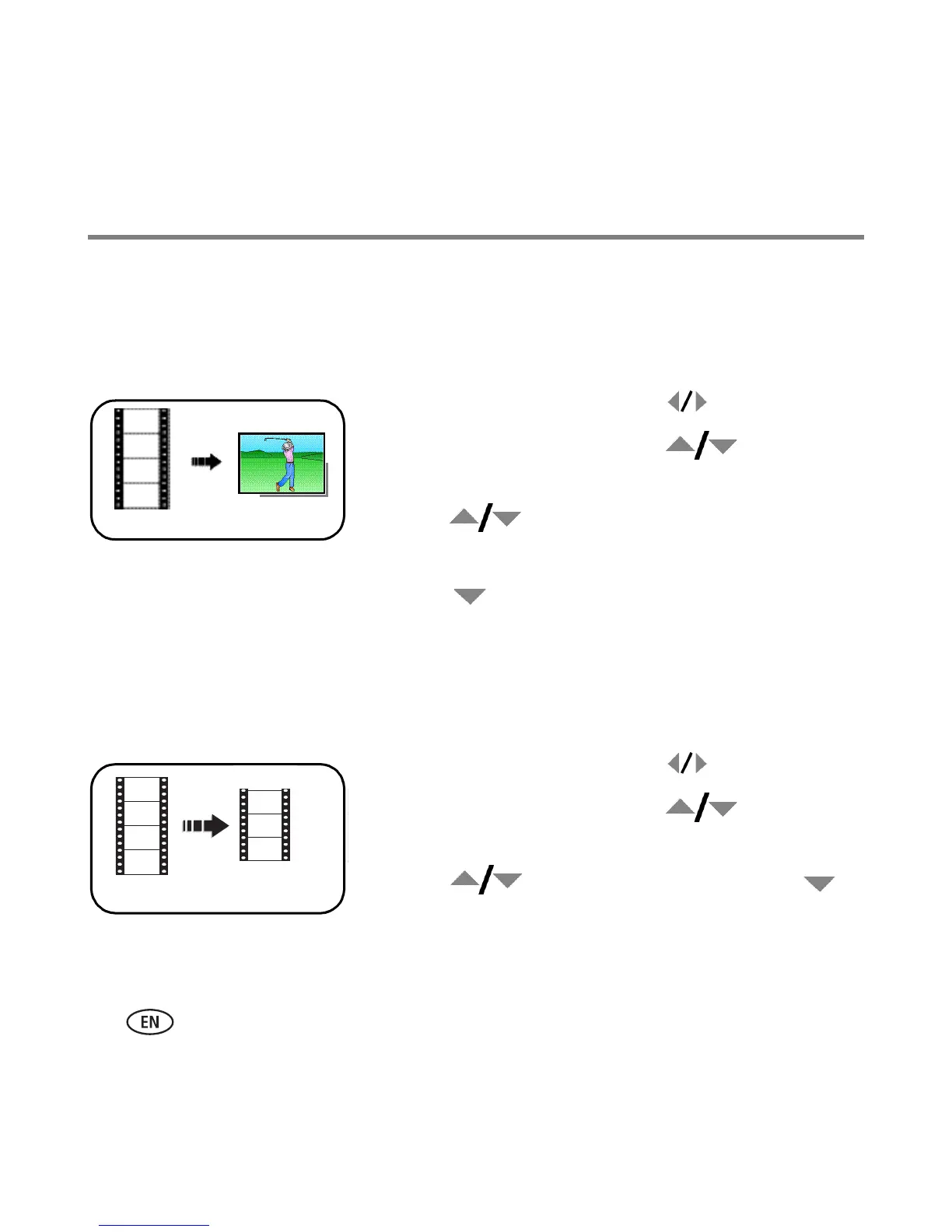
Making a picture from a video
You can choose a single frame from a video, then make a picture suitable for printing.
1 Press the Review button, then to find a video.
2 Press the Menu button. Press to highlight
Edit Video, then press OK.
3 Press to highlight Make Picture, then press
OK.
4 Press to select a video frame.
5 Follow the screen prompts to save the picture.
Trimming a video
You can delete an unwanted portion from the beginning or end of a video.
1 Press the Review button, then to find a video.
2 Press the Menu button. Press to highlight
Edit Video, then press OK.
3 Press to highlight Trim, then press .
4 Follow the screen prompts. (Use fast-forward and
fast-reverse, if needed.)
Video
Picture
Video
Trimmed video


 To Next Page
 Loading...