EasyManua.ls Logo

Kodak Theatre HD Player - User Manual

Kodak Theatre HD Player
91 pages
Print Icon
To Next Page IconTo Next Page
Loading...
1
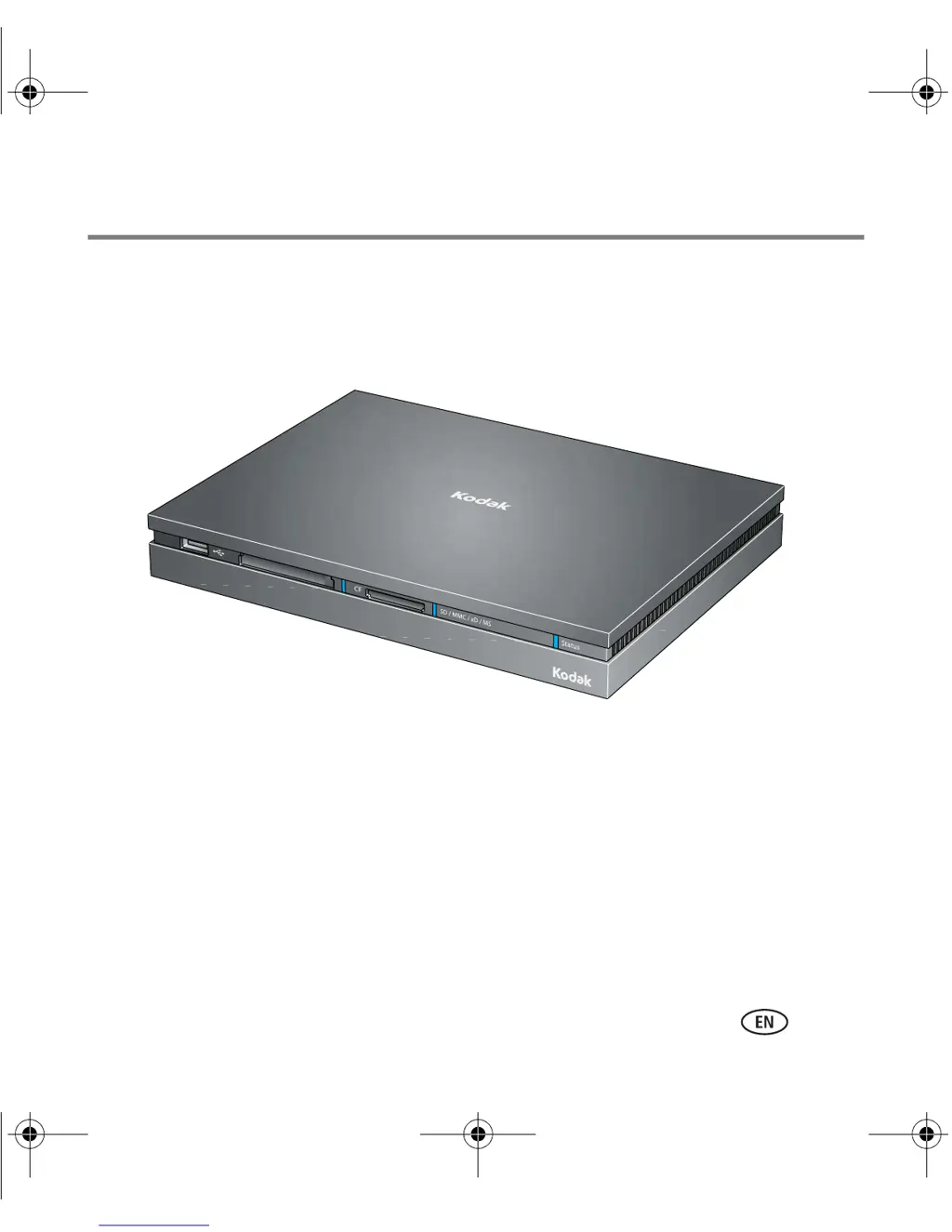
KODAK Theatre HD Player
Extended user guide
www.kodak.com
For interactive tutorials:
www.kodak.com/go/howto
For help with your product:
www.kodak.com/go/HDplayersupport
urg_00874.book Page 1 Tuesday, July 22, 2008 12:41 PM

Other manuals for Kodak Theatre HD Player

Questions and Answers

Summary

Getting started

System requirements

Lists the necessary hardware and software for the KODAK Theatre HD Player.

Using the pointer remote

Instructions on how to set up and use the KODAK Theatre HD Player's remote.

Connecting the HD player

Guide on connecting the KODAK Theatre HD Player to a TV and network.

Installing the software

Instructions for installing the KODAK EASYSHARE Digital Display Software.

Overview of the main portals

The Settings portal

Configuration options for the HD player's system and preferences.

Using the HD player

Viewing pictures and videos

How to view photos and videos from various sources on the player.

Viewing pictures from an EASYSHARE Camera or storage device

Accessing and viewing media directly from connected cameras or devices.

Creating a slideshow

Step-by-step guide to creating custom photo slideshows.

Playing movies and trailers

Instructions for playing video files stored on the computer or network.

Viewing online pictures and videos

Accessing photos and videos from internet services via the player.

Playing music

Listening to music from computers, memory cards, or USB drives.

Troubleshooting and support

Updating the firmware

How to check for and install firmware updates for the player.

Troubleshooting

Common issues and their solutions for the HD player.

Appendix

Important safety instructions

Critical safety warnings and precautions for using the product.

Limited warranty

Details on the product's warranty coverage and limitations.

Kodak Theatre HD Player Specifications

General IconGeneral
Supported Image FormatsJPEG, BMP, PNG, GIF
Remote ControlYes
Output ResolutionUp to 1080p
USB VersionUSB 2.0
Video OutputHDMI
Audio OutputHDMI
Supported Video FormatsMPEG-1, MPEG-2, MPEG-4, H.264, WMV
Supported Audio FormatsMP3, WMA, AAC, WAV, FLAC
Storage CapacityNone (relies on external storage)
ConnectivityEthernet
Storage SupportUSB