MDC-1041/1040/1060/1010 OPERATION MANUAL – 03 63
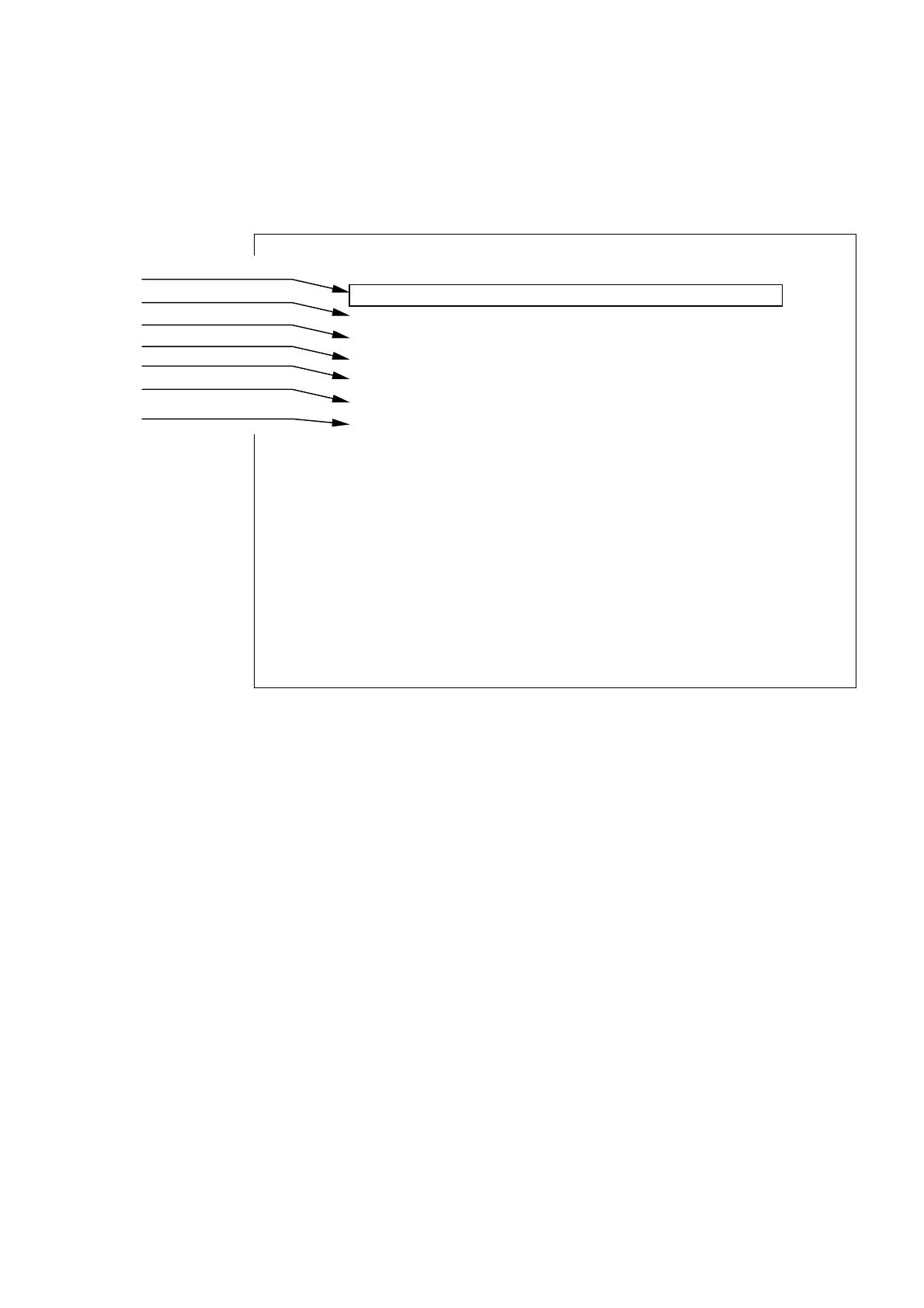
a) Lat/Lon
b) Heading
c) Ship's speed
d) Way point
e) Depth of water
f) Cross track error
g) Magnetic Compass
Variation Data
5.5.4.6.4 NMEA Preset
This preset allows you to change the priority of the NMEA data being read by the radar. Lat/Long,
Heading, Speed, Waypoint, Depth, Cross track error, and Magnetic compass deviation can be
adjusted so as to read the various NMEA sentences available for each in a prioritized format.
The highlighted NMEA sentence ID will become the priority sentence. To highlight a sentence ID,
scroll the cursor touch pad to required data (up or down) to bring border to that function. Then
scroll the cursor touch pad to right until the required sentence ID is selected. Then, rotate control
knob counter-clockwise until highlighted sentence ID is at the beginning of the list.
5.5.4.6.5 Initial adjustment settings (ADJUST)
The items in the ADJUST menu are done immediately following installation. They need not be
changed during normal operation.
(1) Adjusting distance (TIMING ADJ)
This adjustment calibrates the distance displayed on the radar screen to the actual distance.
(1) First, set the radar range to 0.25 NM, FTC to minimum, and GAIN to optimum. Then adjust
STC until the pulse generated by the radar at the center of the screen is a round dot.
(2) Adjusting the distance.
(2-1) Press the “MENU” key and select SETUP>CUSTOM>ADJUST>TIMING ADJUST. Press
“ENT”.
(2-2) “TIMING ADJUSTMENT” will be displayed at the bottom of the screen. Using the control
knob, adjust the timing until the center dot appears as shown in (b). If there is a linear
target such as a bridge or breakwater, adjust timing until the target appears straight on
the screen.
(2-3) When the adjustment is finished, press the "ENT" key to exit from the distance adjustment
screen.
NMEA PRESET
L/L GGA>GLL>RMA>RMC
HEAD HDT>HDG>VHW>HDM>HCC>VTG
SPEED VHW>VTG>RMA>RMC
WAY POINT BEC>BWC>BWR>BER>BPI>RMB
DEPTH DBT>DPT
XTE RMB>XTE
MAG VAR RMA>RMC>HDG>HVD>HVM
SET WITH CONTROL KNOB
PRESS ENTER KEY TO RETURN



 To Next Page